Flightsticks & Yokes
MOZA MFY Yoke Support
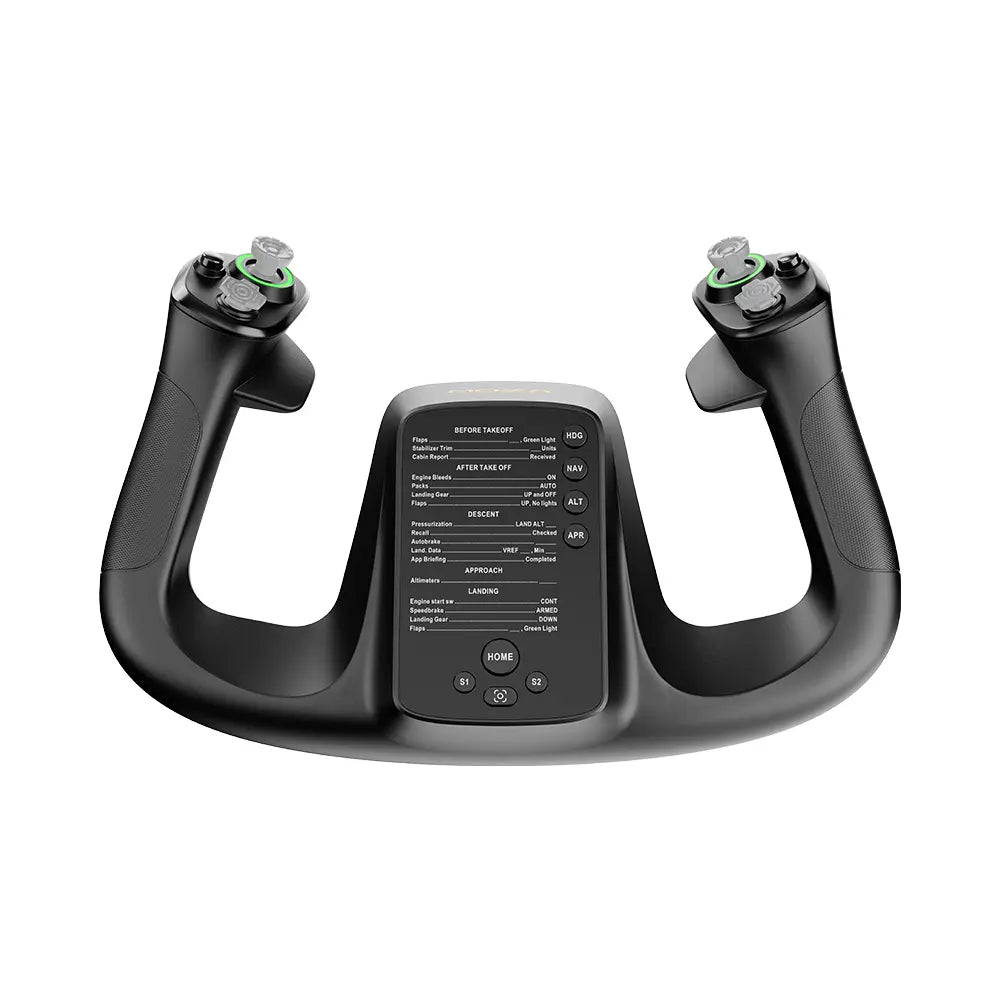
Product Overview
Inspired by real commercial aircraft yokes, the MOZA MFY Yoke Handle is an ergonomic, modular yoke designed for the MOZA AY210 and AY90 Yoke Bases. With 34 configurable signal outputs — including 2 Hall Effect joysticks, 2 eight-way switches, dual triggers, and customizable RGB lighting — the MFY delivers precise, immersive flight control. The aluminum alloy quick release enables tool-free swaps between MOZA Yoke Series handles, while magnetic DIY panels allow custom layouts.
142.5 × 202 × 313 mm | 1.3 kg | Fiberglass-reinforced PA66 composite | Designed for AY210 and AY90 Yoke Bases
Get Started

MOZA Cockpit
All-in-one control software

User Manual
Product features and guides

Accessories
Compatible accessories
Specifications
Tutorial Video
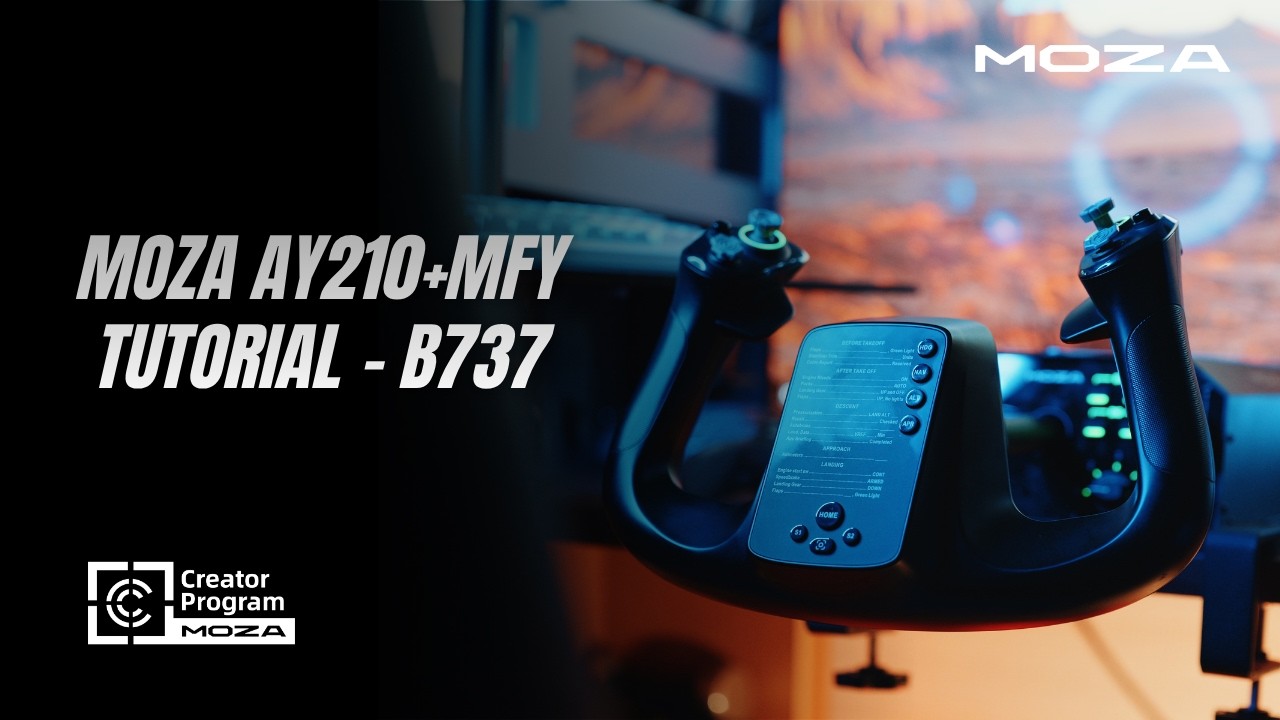
AY210+MFY Tutorial — B737 Touch
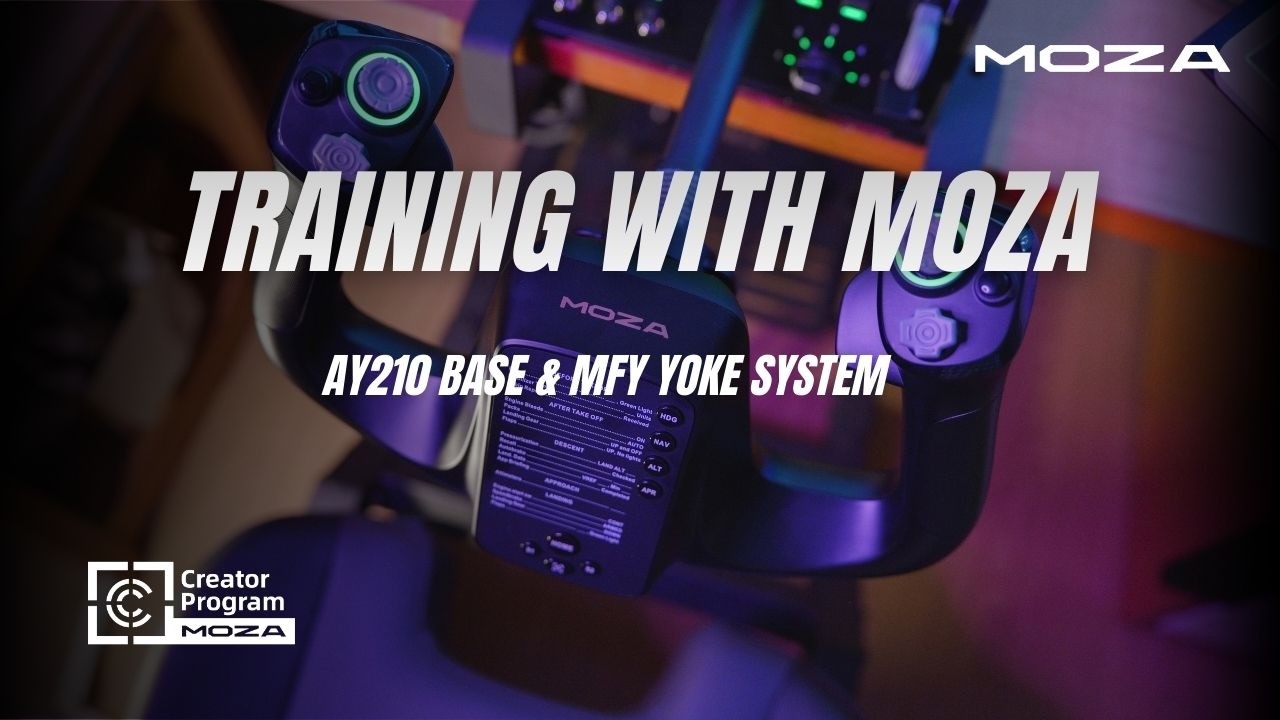
Training with AY210 Base & MFY Yoke
FAQs
Does the MFY Yoke work with any flight base?
No. The MFY Yoke is designed for the MOZA AY210 and AY90 Yoke Bases. It cannot function independently or with other bases.
How do I swap between different yoke handles?
The MFY features a race-car-inspired aluminum alloy quick release. Push and pull to attach or detach the yoke in seconds — no tools required. This allows swapping between MOZA Yoke Series handles for different aircraft types.
What are the Hall Effect joysticks used for?
The two contactless Hall Effect joysticks support both axis and button signal modes. Common uses include elevator/pitch trim, rudder control, autopilot off, camera navigation, and push-to-talk — all configurable in MOZA Cockpit.
Can I customize the button labels or layout?
Yes. The MFY has two front-mounted magnetic DIY panels that can be swapped with your own printed designs for different aircraft layouts or button labeling preferences.
What force can the MFY withstand?
The yoke is rated for up to 30 kg of force. The high-strength PA66 composite construction ensures durability even under heavy-handed flying.
Do the triggers work as axes or just buttons?
Both. Each trigger is multi-functional and can be configured as a continuous axis input or a binary button in MOZA Cockpit, depending on the aircraft and function you need.
Post-Sales Support

Contact Customer Support
support@mozaracing.com

Get Technical Support
Submit New Ticket

Request Repair Service
Contact customer support first
Was this article helpful?
That’s Great!
Thank you for your feedback
Sorry! We couldn't be helpful
Thank you for your feedback
Feedback sent
We appreciate your effort and will try to fix the article