Flightsticks & Yokes
MOZA MH16 Flightstick Support

Product Overview
Inspired by classic fighter aircraft controls, the MOZA MH16 Flightstick delivers 30 programmable inputs in a compact, aviation-grade aluminum alloy grip. An 8-way ALPS hat switch provides smooth POV, trim, or camera control, while detachable side modules with pogo-pin connections enable wire-free expansion. Plug-and-play with the MOZA AB9 FFB Base and structurally compatible with most mainstream flight sim bases.
99 × 213.5 × 132 mm | Aviation-grade aluminum alloy | PC compatible
Get Started

MOZA Cockpit
All-in-one control software

User Manual
Product features and guides

Accessories
Compatible accessories
Specifications
Tutorial Video
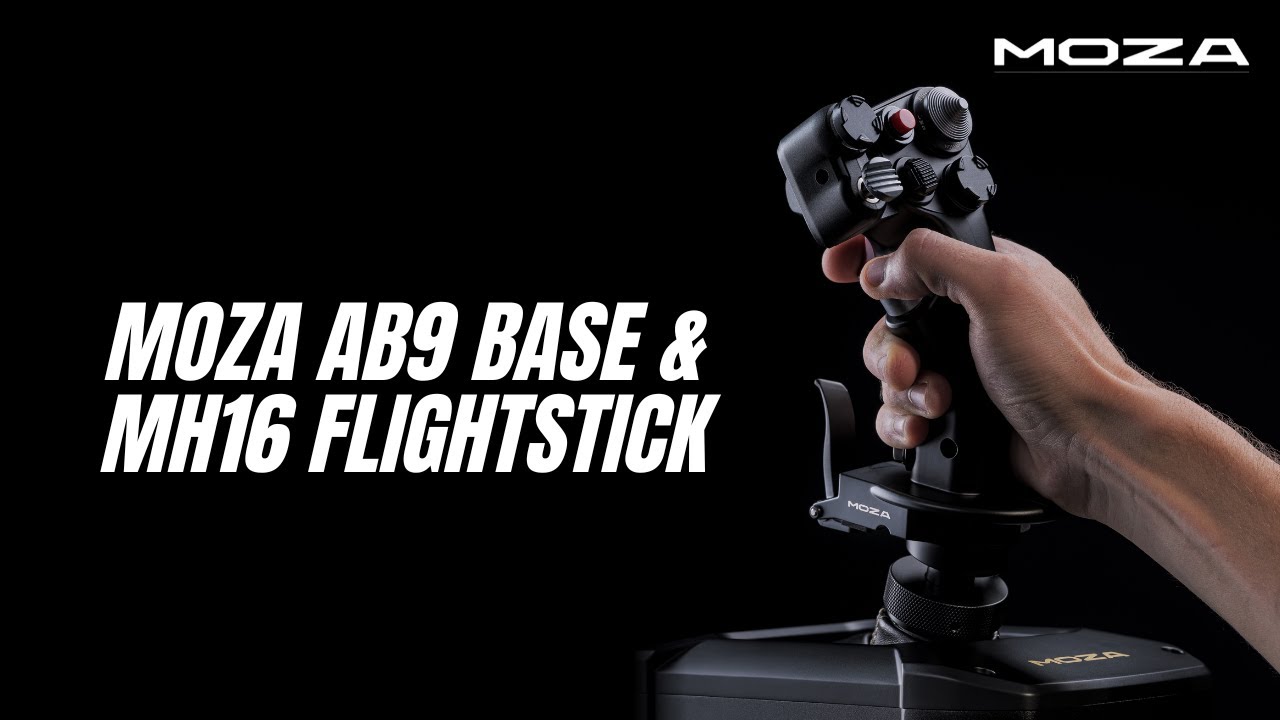
Assembling AB9 Base & MH16 Flightstick
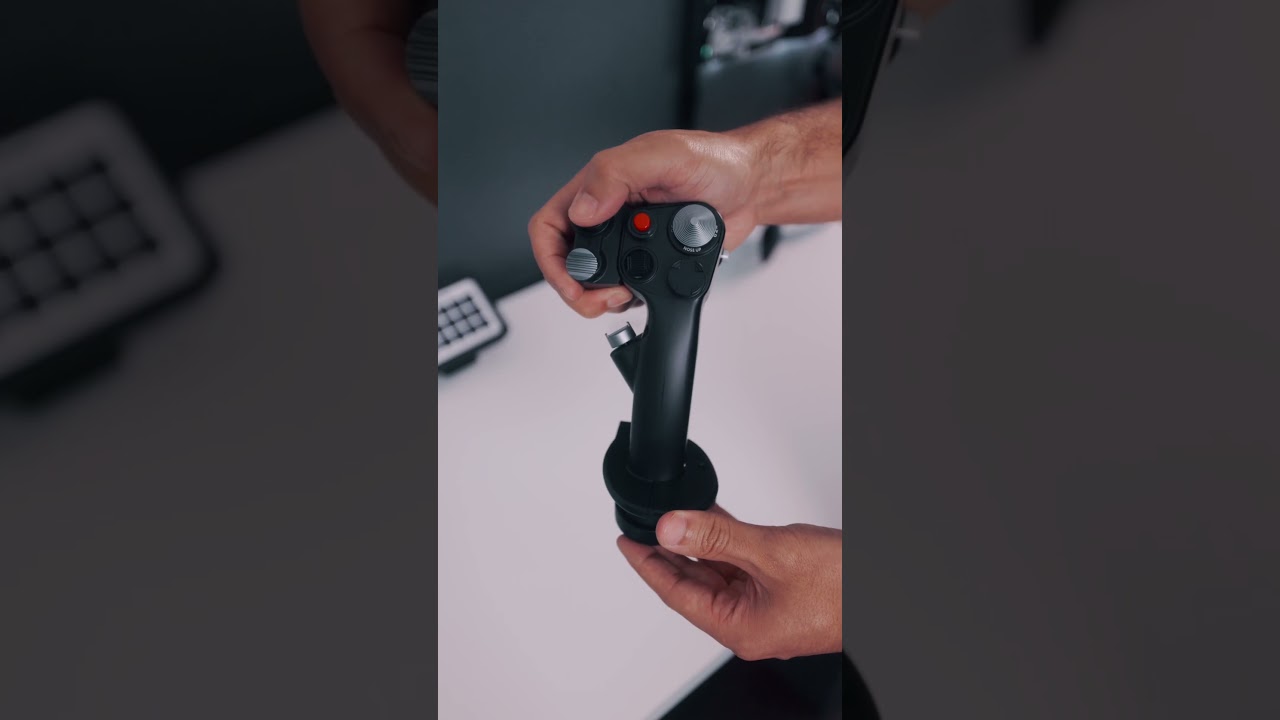
Realistic Flight Experience with MH16
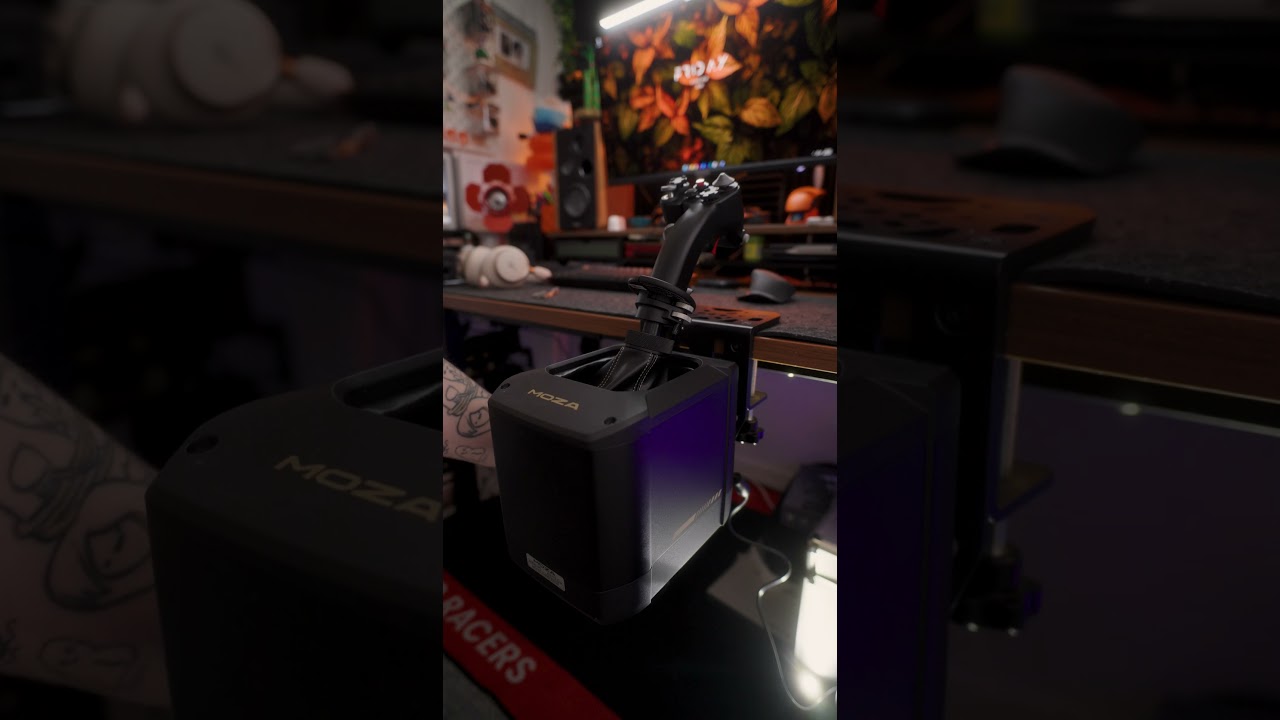
AB9 Base & MH16 Installation
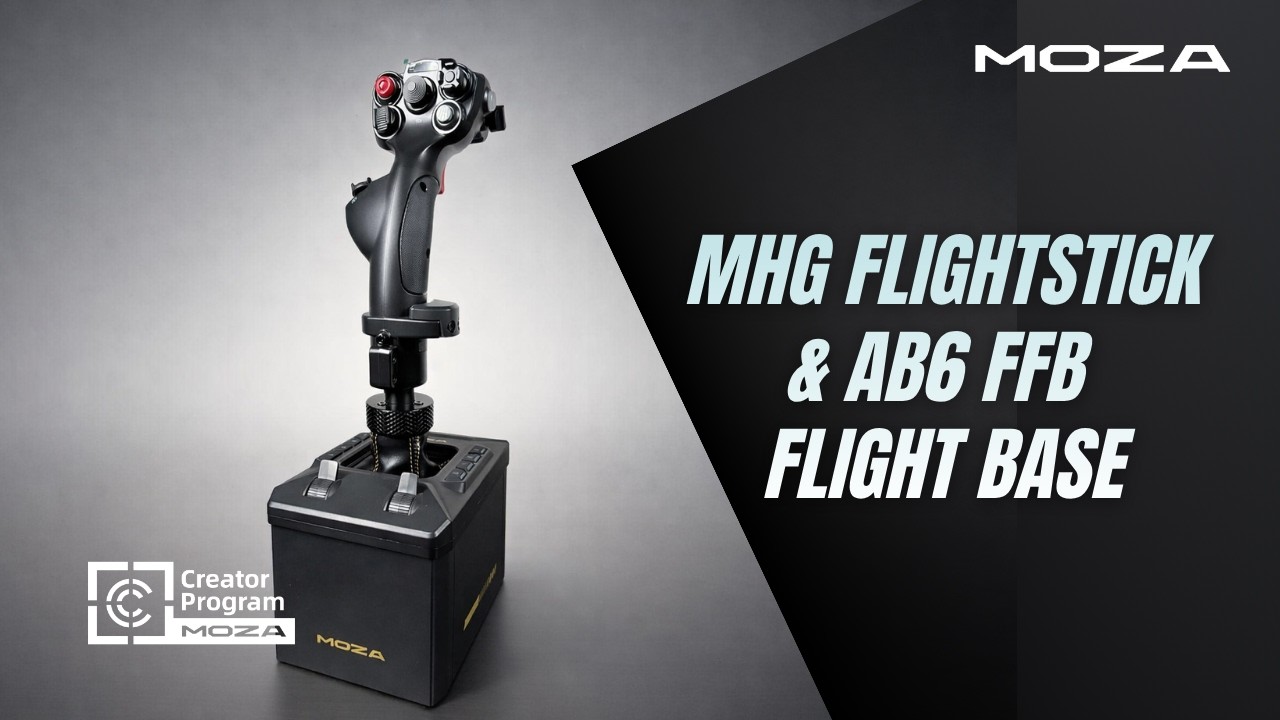
Unboxing MHG Flightstick & AB6 FFB Base
FAQs
What bases is the MH16 compatible with?
The MH16 is designed for plug-and-play use with the MOZA AB9 FFB Base via its 5-pin aviation connector. It is structurally compatible with most mainstream flight sim bases, though some third-party bases may require an adapter or additional configuration.
Does the MH16 include a Z-axis (rudder) function?
The MH16 does not include a built-in Z-axis. The MOZA Z-Axis Module ($129 CAD) can be purchased separately to add rudder control, connecting between the flightstick and the base.
How many inputs does the MH16 have?
The MH16 provides 30 programmable input signals including triggers, hats, switches, and buttons. It also features an 8-way ALPS hat switch ideal for POV, trim, or camera control, plus a paddle lever and detachable expansion modules.
How do the expansion modules connect?
Detachable side modules use pogo-pin connections for a completely wire-free installation. The expansion module adds a 5-way hat switch and a 3-position selector switch without any extra wiring.
Can I customize button mappings per aircraft?
Yes. MOZA Cockpit software supports full input customization and per-aircraft profile saving, so you can switch between different aircraft setups instantly.
Is the paddle lever an axis or a button?
The paddle lever operates as a binary button input, not a continuous axis. It is ideal for functions like wheel brakes, trigger second stage, or other on/off commands.
Post-Sales Support

Contact Customer Support
support@mozaracing.com

Get Technical Support
Submit New Ticket

Request Repair Service
Contact customer support first
Was this article helpful?
That’s Great!
Thank you for your feedback
Sorry! We couldn't be helpful
Thank you for your feedback
Feedback sent
We appreciate your effort and will try to fix the article