Throttle Panels
MTQ Throttle Quadrant
Complete support guide for the MOZA MTQ Throttle Quadrant: setup, handle installation, detent adjustment, game binding, and troubleshooting.
Overview
The MOZA MTQ (Multi-Function Throttle Quadrant) is a modular throttle system compatible with multiple handle types: TQA (Airbus-style), TQF (fighter-style), and TQB (general aviation). Each handle attaches via a locking screw mechanism and connects electronically through the throttle base.
Handle Installation & Removal
Important: Always power off the MTQ before installing or removing handles.
- Align the handle with the mounting post on the throttle base
- Slide the handle onto the post — it should seat firmly
- Tighten the locking screw(s) on the side of the handle
- To remove a handle: loosen the screws fully, then pull the handle straight up
- The fit is intentionally snug — a firm, steady pull will release it
Detents & Mechanical Feel
The MTQ supports configurable mechanical detents for tactile feedback at key throttle positions:
- TQF Handle: Afterburner detent by default. The speed brake button on the grip can be pressed downward
- TQA Handle: Idle and climb detents. Reverse thrust lock is supported — push past the idle detent with the finger lifts raised
- TQB Handle: Smooth travel, no detents by default
Detents can be removed for fully smooth throttle travel. To disable detents, open the MTQ base and remove or adjust the detent mechanism. Contact MOZA Support for detailed instructions if you are unsure about performing this adjustment yourself.
Rotary Encoders & Switches
The MTQ includes several rotary controls:
- Rotary Encoders (MTQ base): Continuous rotation — ideal for heading bug, altitude select, course adjustment, or radar elevation
- Toggle Switches (MTQ base, bottom right): Two-position or three-position switches suitable for engine start, fuel cutoff, or master switches
- Thumb Stick (TQF handle): A mini analog stick that can be configured as axes (camera look, sensor slew) or as 4/8-way button mode in MOZA Cockpit
Tip: If the rotary encoder registers as a button press instead of an axis in the game binding menu, turn it slowly when binding. Fast rotation can be misinterpreted as a button pulse.
Game Binding Quick Reference
Tutorial Video
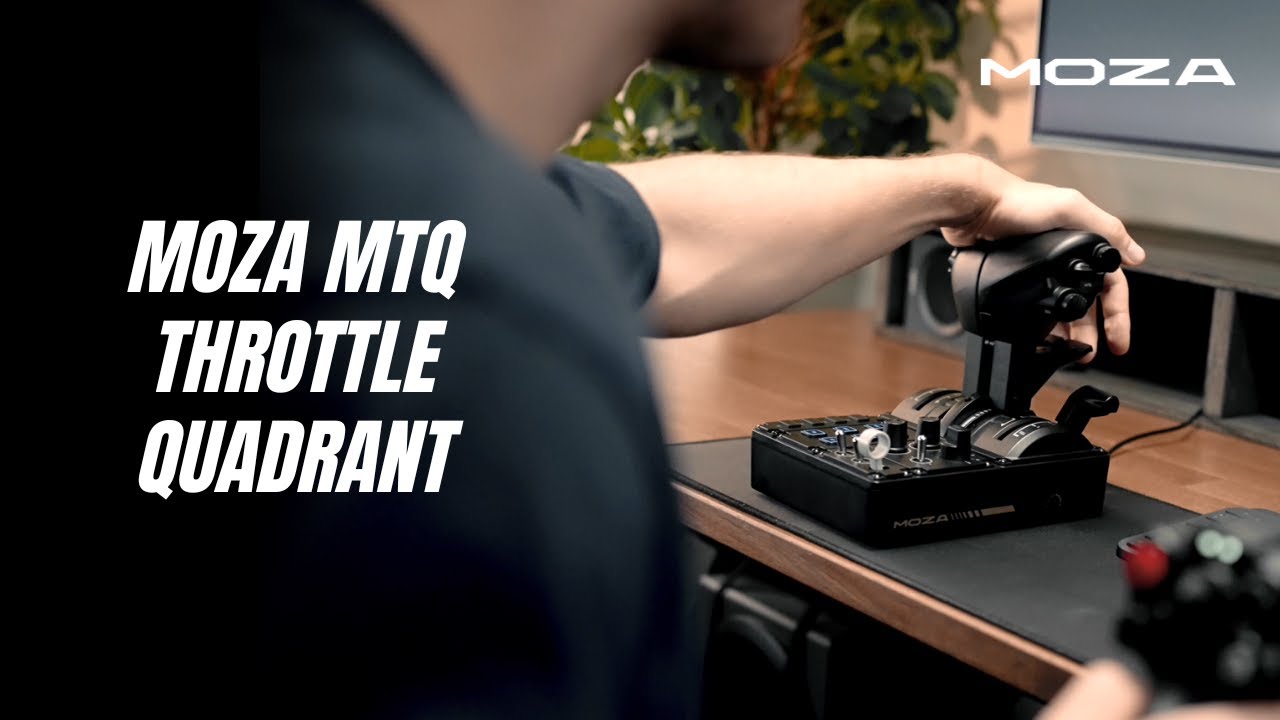
Experience the MTQ Throttle Quadrant
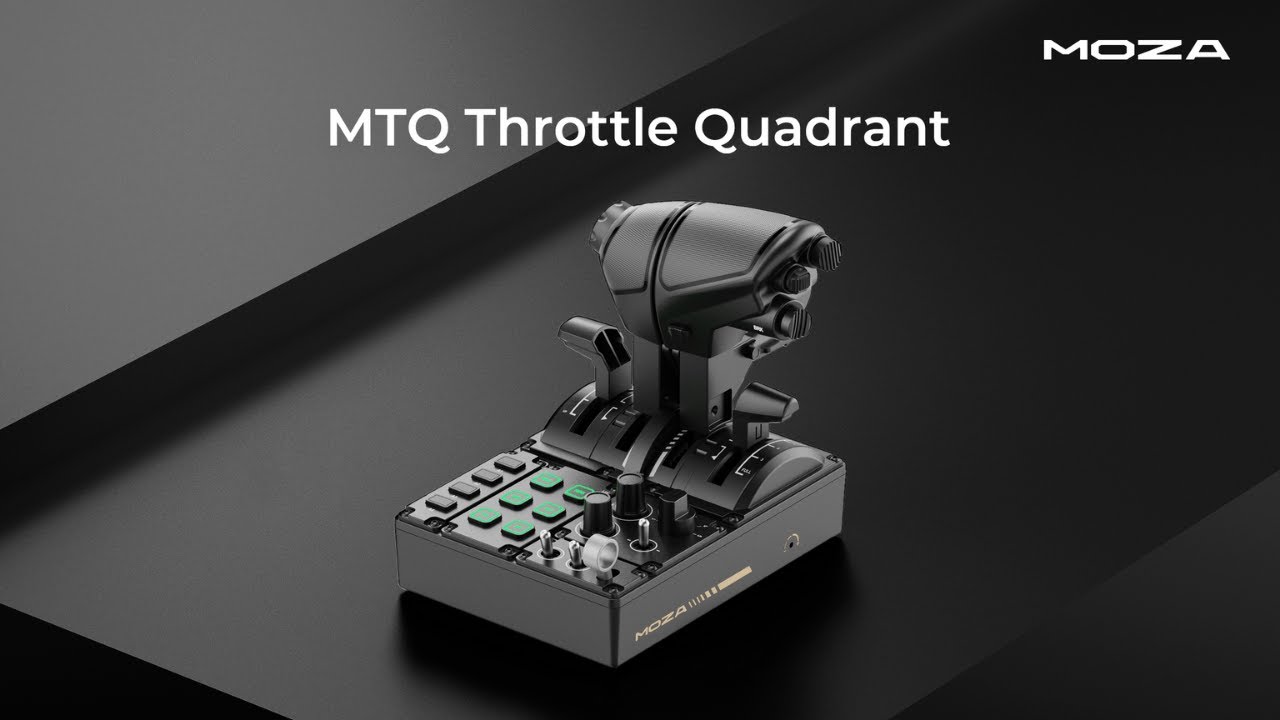
MTQ Throttle Quadrant Overview
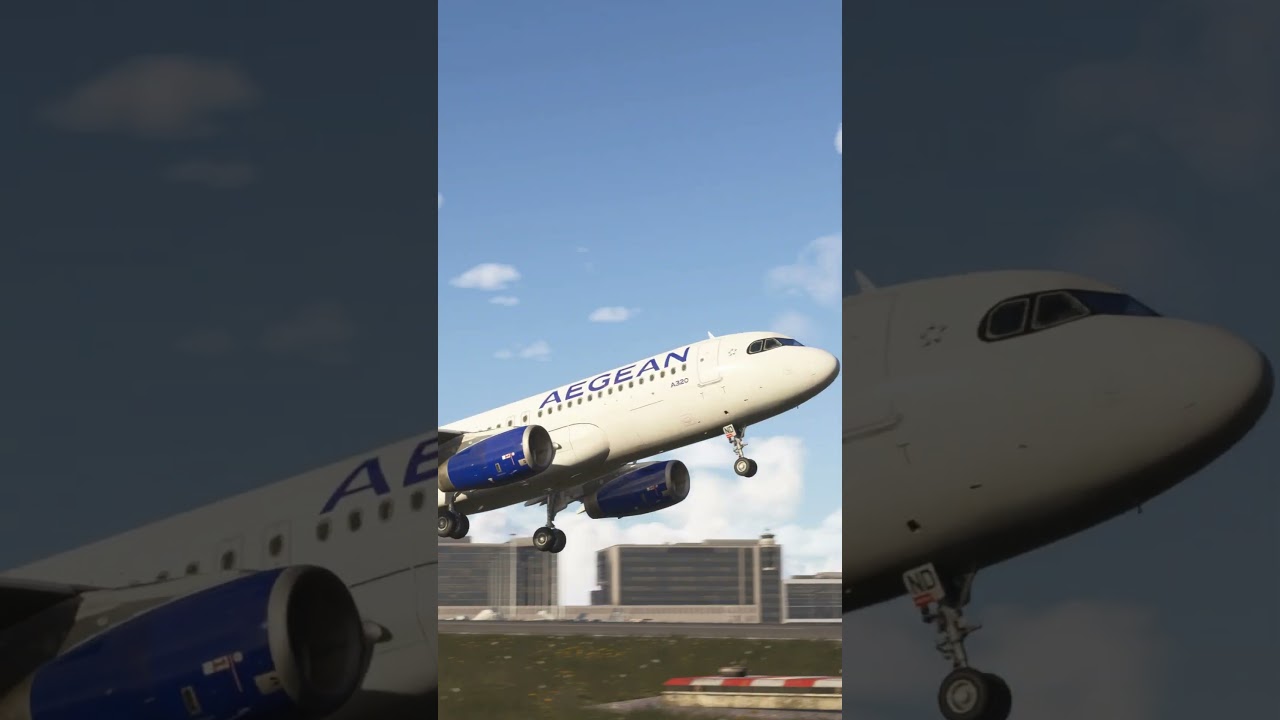
MTQ Throttle Modules in Action
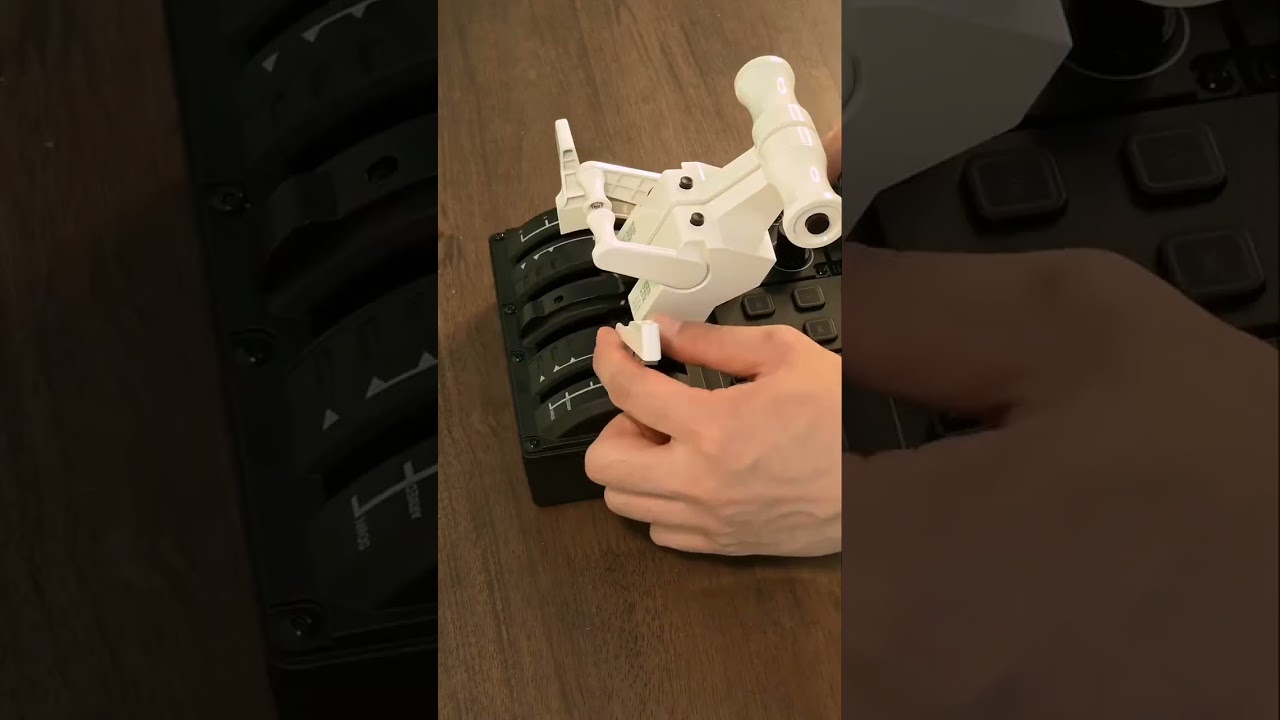
Swap Between Boeing, Airbus & Fighter Styles
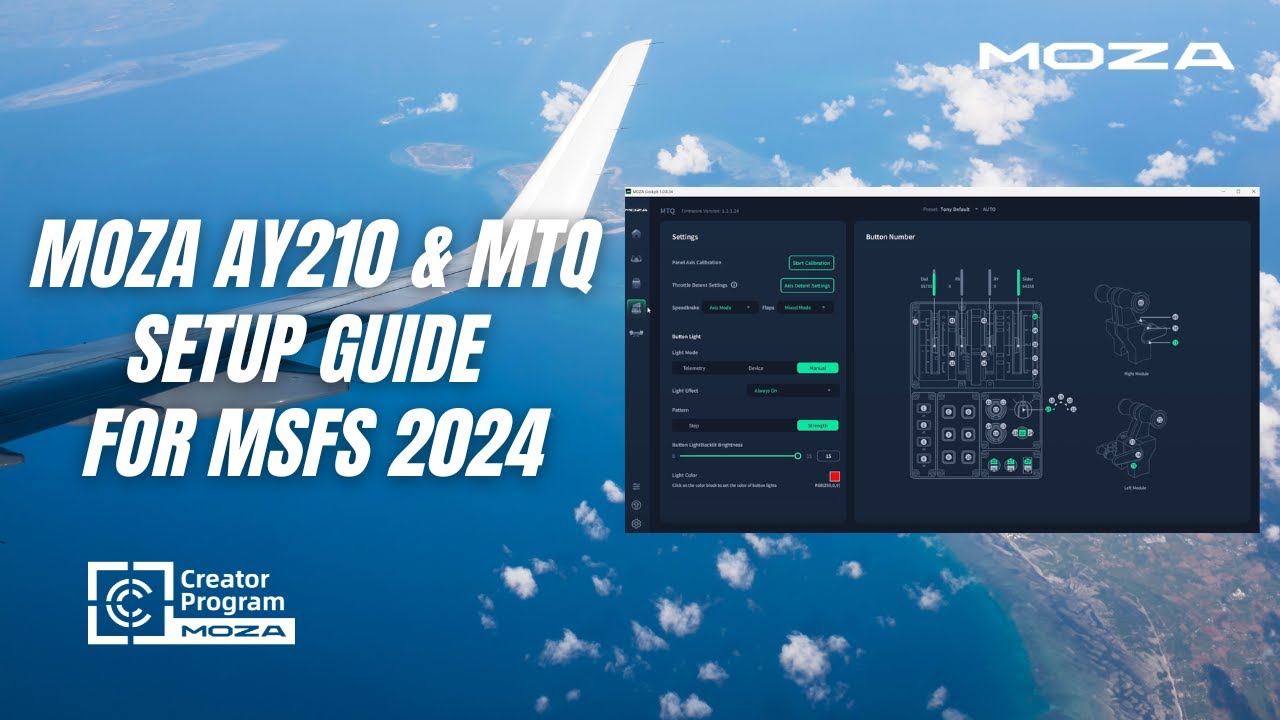
AY210 Yoke & MTQ Throttle in MSFS 2024

MTQ Throttle Quadrant — First Impressions
Frequently Asked Questions
How do I set up reverse thrust on the MTQ?
In your game's control settings, bind "Throttle Decrease" or "Toggle Reverse Thrust" to the lower range of the throttle axis (below the idle detent). In MOZA Cockpit, ensure the detent position is calibrated so the axis correctly registers both the forward (above idle) and reverse (below idle) ranges. For MSFS 2024, there is a known delay when transitioning out of reverse thrust — wait 1–2 seconds before advancing the throttle after disengaging reverse.
Can the MTQ detents be completely removed for smooth travel?
Yes. The A/B detent mechanism in the MTQ can be configured or removed. This requires opening the throttle base. Contact MOZA Support for the official procedure to avoid voiding your warranty or damaging internal components.
The throttle axis registers as a button instead of an axis in-game
When binding in the game's control settings, move the throttle lever slowly and smoothly from one end to the other. Quick or jerky movements may be detected as button presses (on/off) rather than a continuous axis. If the issue persists, verify the axis is correctly detected in MOZA Cockpit first.
Can I use the thumb stick on the TQF as a POV hat instead of axes?
Yes. In MOZA Cockpit, navigate to the MTQ settings page and switch the thumb stick from Axis Mode to Button Mode. In button mode, each direction (up/down/left/right) acts as a discrete button press, suitable for POV look, sensor slew, or menu navigation.
Why does the MTQ use potentiometers instead of Hall effect sensors?
The MTQ uses precision potentiometers that have been selected and tested for long-term reliability in throttle applications. Potentiometers provide excellent resolution for throttle axes where absolute positioning is critical, and they are less susceptible to magnetic interference from nearby electronics.
What is the USB power requirement for the MTQ?
The MTQ is powered via USB. It requires a standard USB 2.0 port (500mA). No external power adapter is needed. For best results, connect directly to a PC USB port rather than through an unpowered USB hub.
The spoiler axis doesn't fully retract in-game when the lever is at the detent
Calibrate the spoiler axis in MOZA Cockpit, paying attention to the detent position. In-game, check the spoiler axis sensitivity curve — ensure it starts at 0% at the fully retracted position. You may need to slightly adjust the mechanical position or reconfigure the axis range in MOZA Cockpit to achieve perfect alignment.
Was this article helpful?
That’s Great!
Thank you for your feedback
Sorry! We couldn't be helpful
Thank you for your feedback
Feedback sent
We appreciate your effort and will try to fix the article