Throttle Panels
MTQ Throttle Quadrant Support
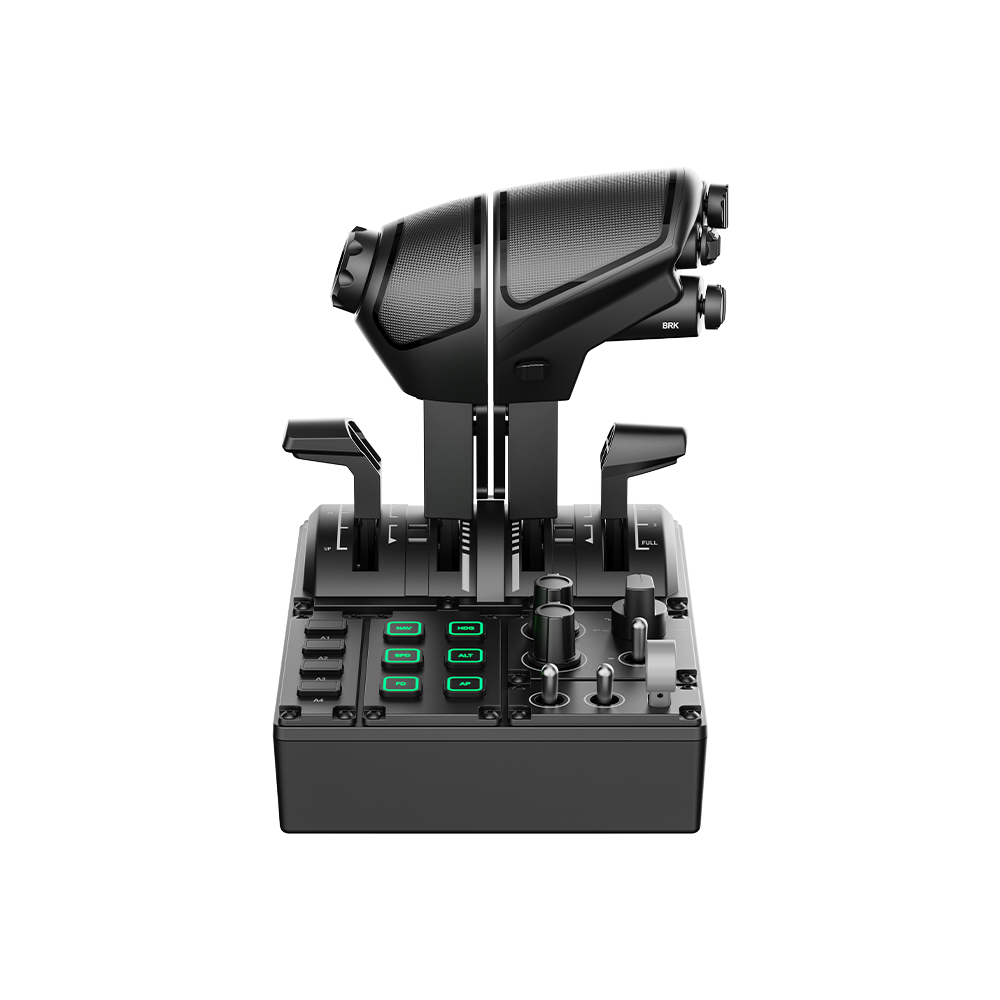
Product Overview
The MOZA MTQ is a modular throttle quadrant with 4 independent axes, 23 physical controls, and a swappable lever system that accommodates fighter (TQF), Airbus (TQA), and Boeing (TQB) throttle styles. RGB-backlit buttons with telemetry support, adjustable damping, and built-in detents make it a versatile centerpiece for any flight cockpit.
Dimensions: 216 × 166 × 198 mm | PC only | RJ11 base connection + USB
Get Started

MOZA Cockpit
All-in-one control software

User Manual
Product features and guides

Accessories
Compatible accessories
Specifications
Tutorial Video
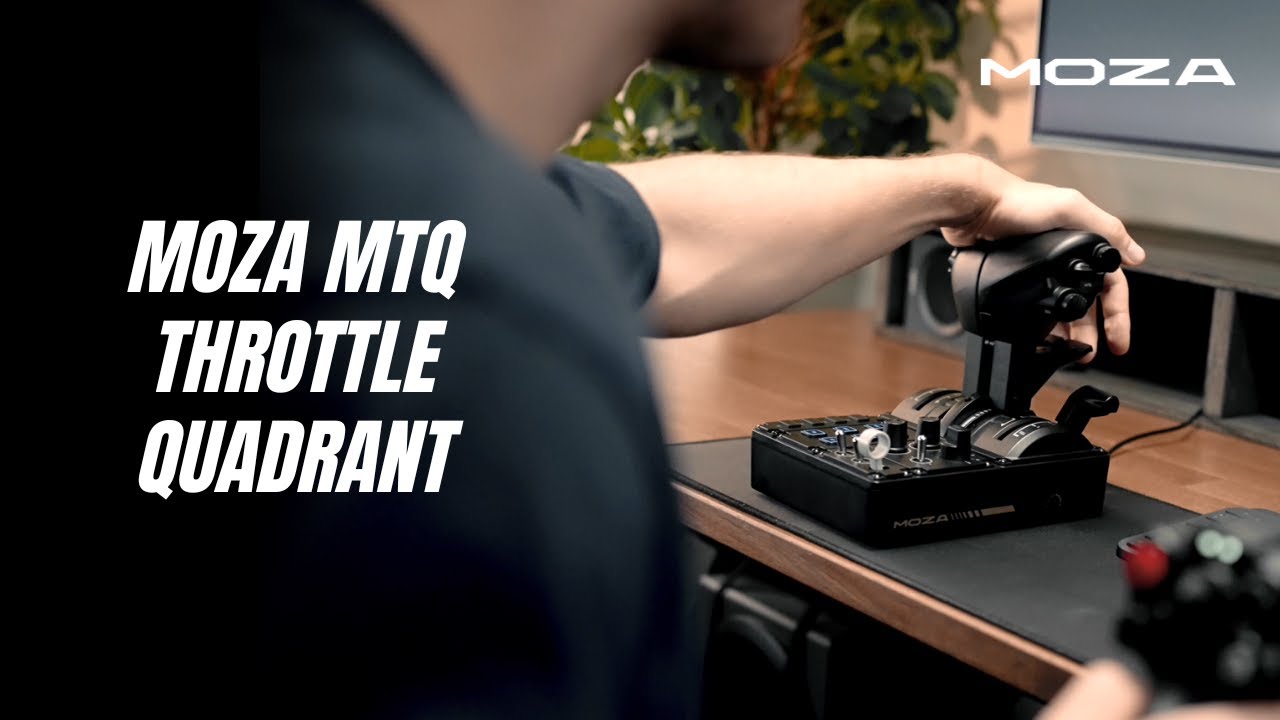
Experience the MTQ
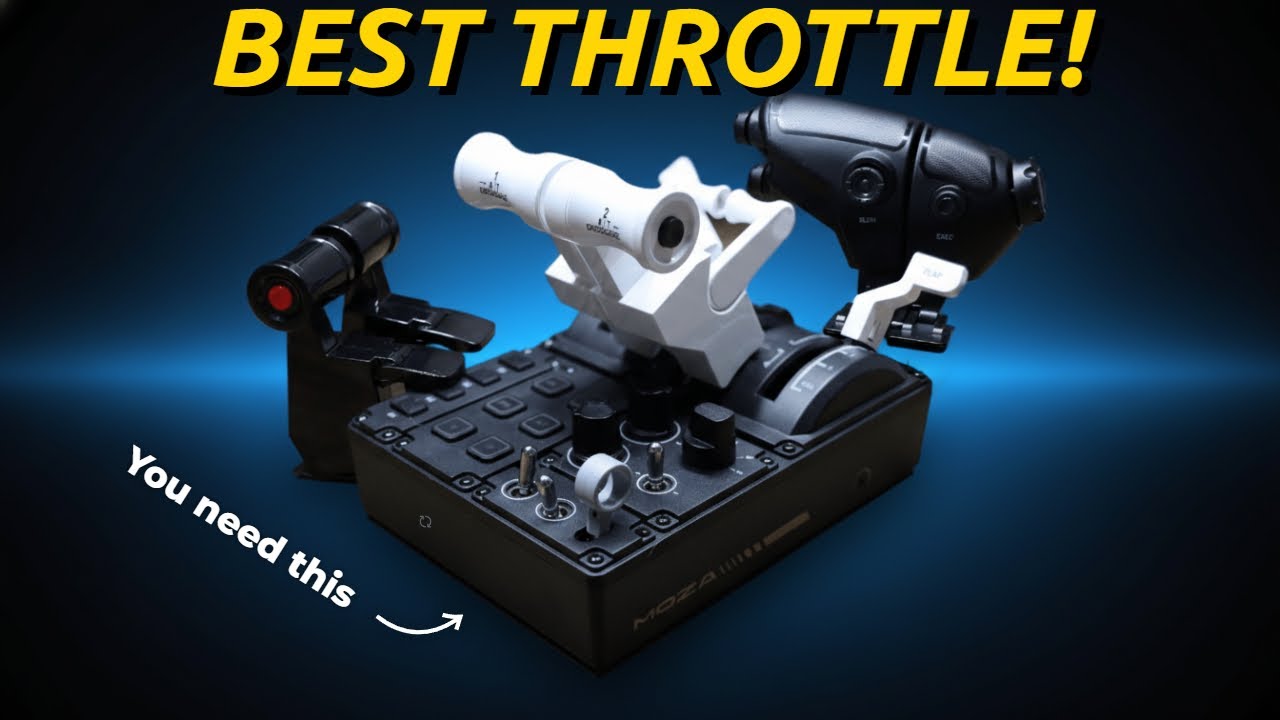
Why MTQ is the Best
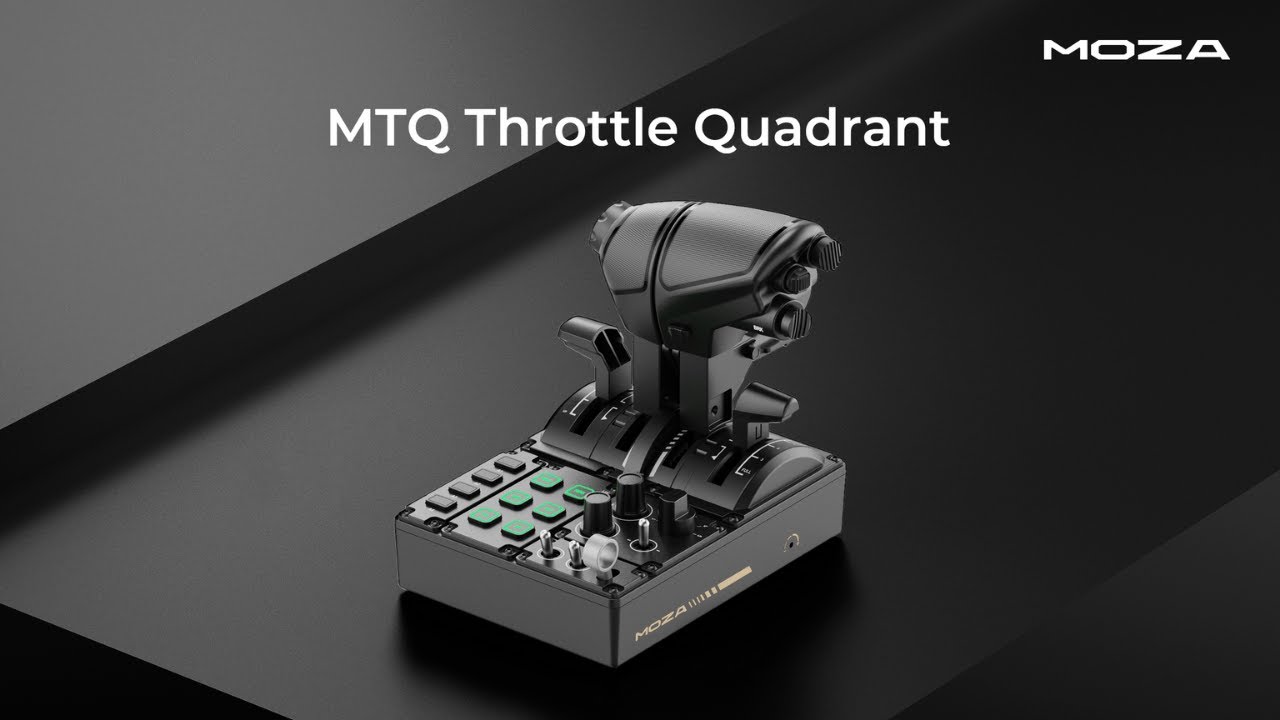
MTQ Overview
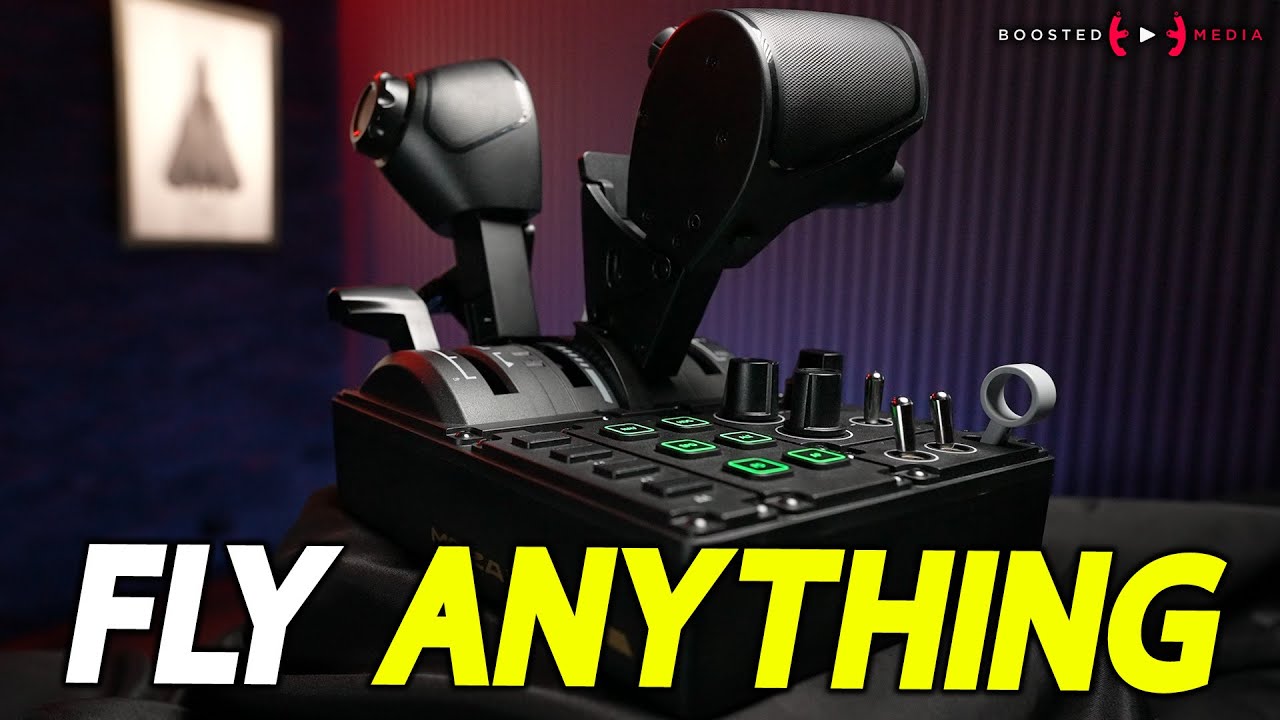
REVIEW: MTQ Throttle
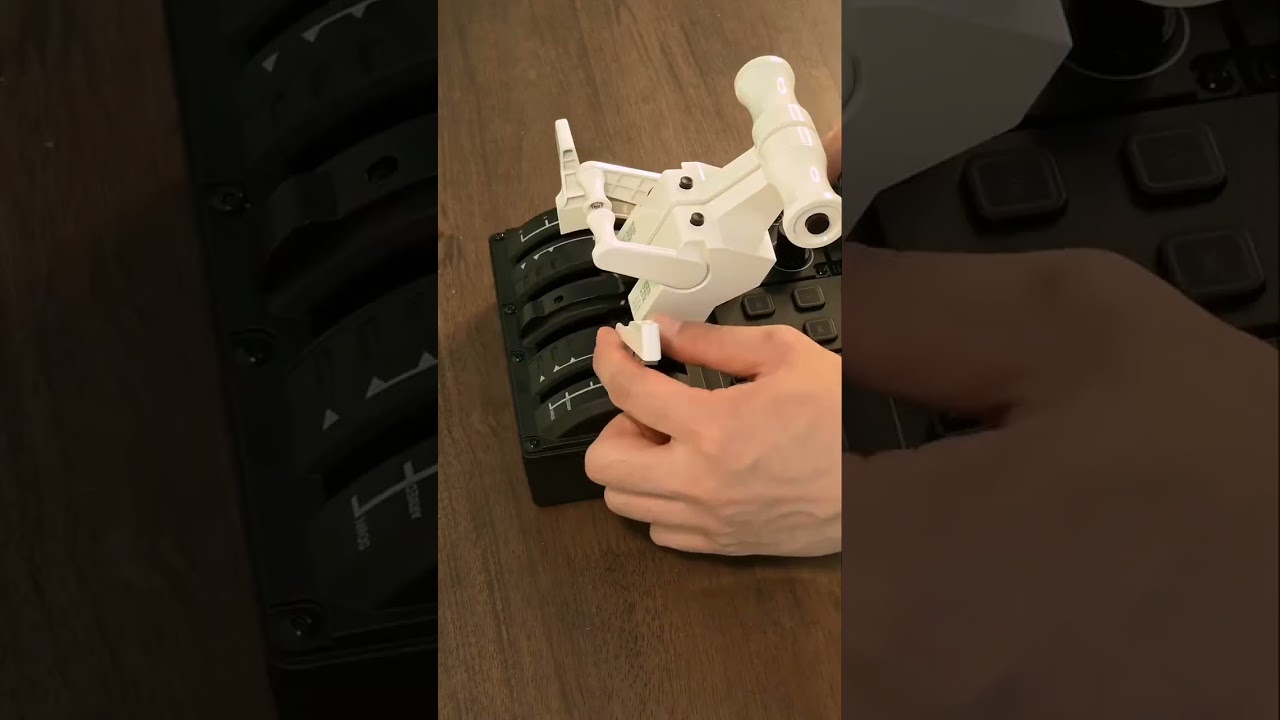
MTQ Modules in Action
Swap Boeing, Airbus & Fighter
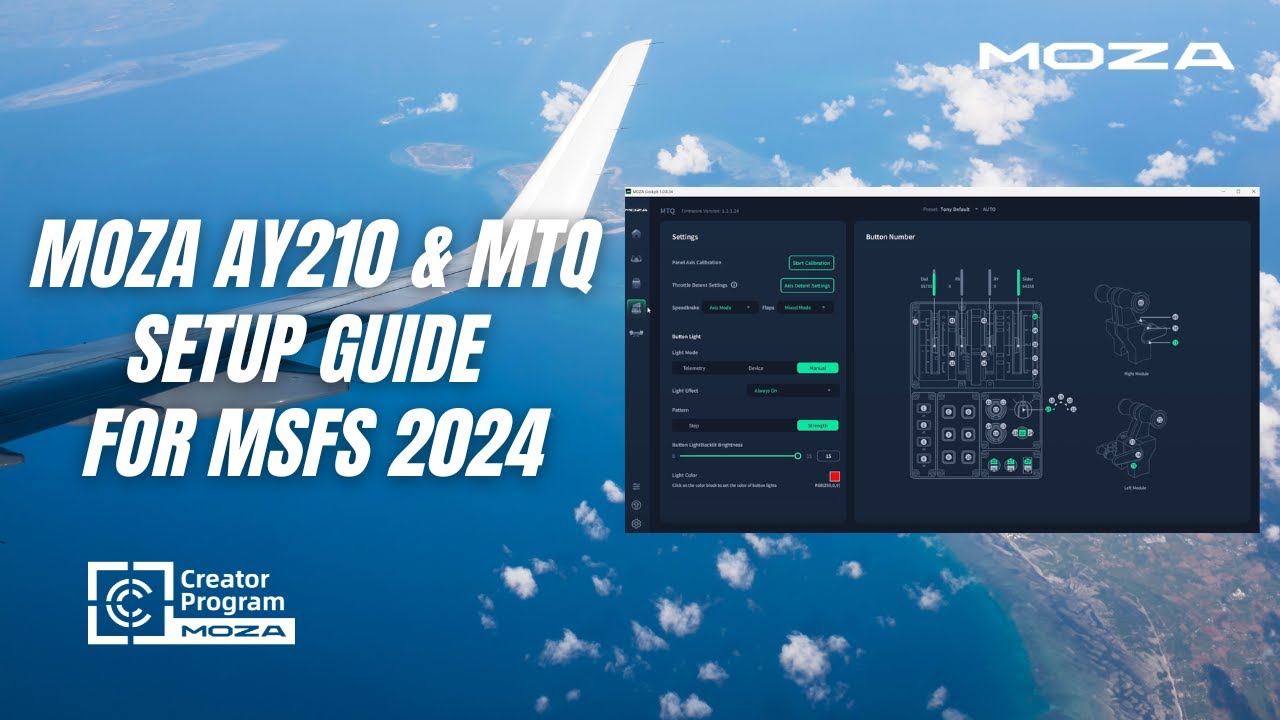
AY210 & MTQ in MSFS 2024
FAQs
What throttle lever styles are included with the MTQ?
The MTQ ships with TQF fighter-style levers. Two optional modules — TQA (Airbus) and TQB (Boeing) — are available separately and can be swapped in seconds. Each module auto-configures detent behavior in MOZA Cockpit.
How do I swap throttle lever modules?
Each module attaches via a tool-free mounting system. Simply release the locking mechanism, swap the lever set, and MOZA Cockpit automatically adjusts detent profiles for the new module.
Can I use the MTQ standalone, without a MOZA base?
Yes. Connect via USB directly to your PC for standalone operation. When used with a MOZA flight base, the RJ11 connection saves a USB port while adding synchronized force feedback integration.
How do I adjust throttle resistance?
Each axis has independent adjustable damping. Use the included wrench to tighten or loosen the resistance on each lever to match your preferred feel — from light and fast to heavy and deliberate.
What games support the RGB lighting telemetry?
Lighting telemetry works with Microsoft Flight Simulator 2020/2024, DCS World, and X-Plane. The 6 RGB buttons support 16.7 million colors and multiple effects, all configurable in MOZA Cockpit — no plugins needed.
How are the detents configured?
Detents are both mechanical (physical stops on each lever module) and virtual (configurable button triggers in MOZA Cockpit). Swapping lever modules automatically changes the detent profile.
Post-Sales Support

Contact Customer Support
support@mozaracing.com

Get Technical Support
Submit New Ticket

Request Repair Service
Contact customer support first
Was this article helpful?
That’s Great!
Thank you for your feedback
Sorry! We couldn't be helpful
Thank you for your feedback
Feedback sent
We appreciate your effort and will try to fix the article