Throttle Panels
MTP Throttle Support
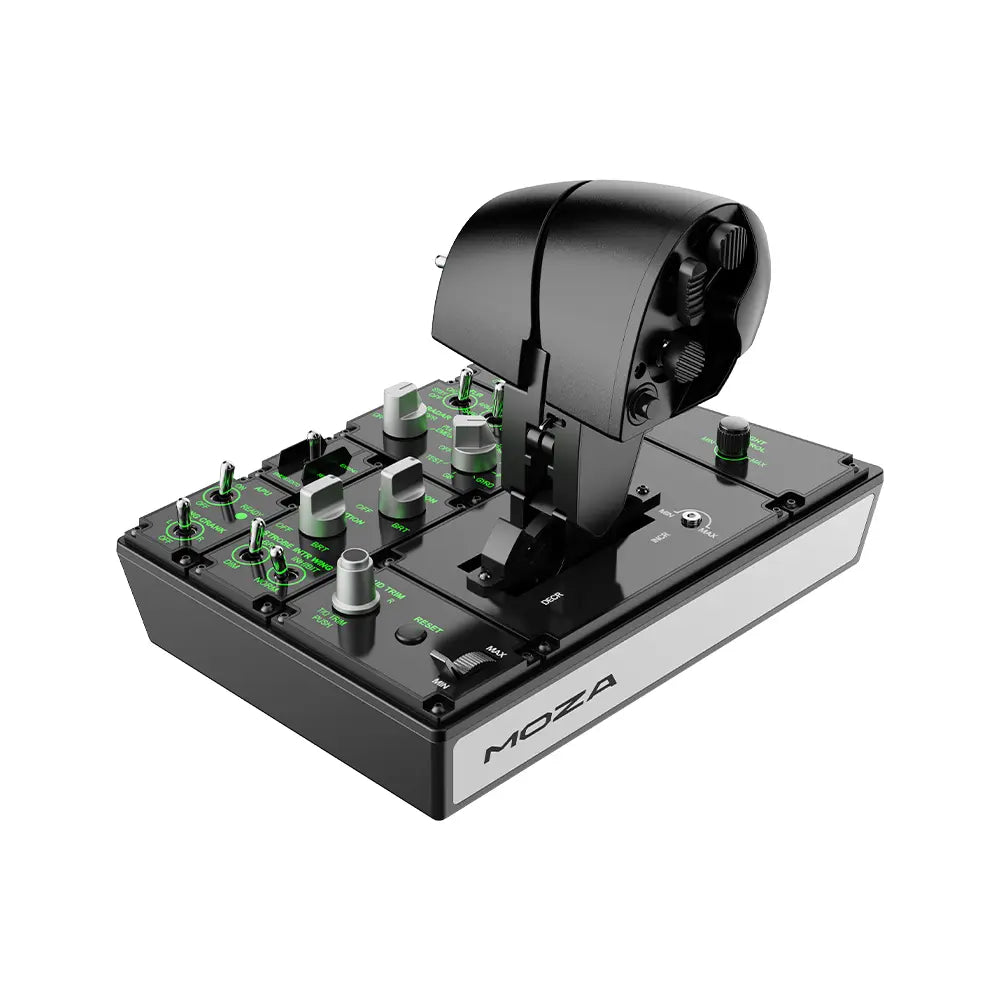
Product Overview
Inspired by carrier-based throttle panels, the MOZA MTP delivers a compact, multi-function throttle experience with 27 programmable physical switches, a Hall Effect joystick, and built-in vibration feedback. The CNC-machined aluminum alloy grip is engineered for fast, intuitive access to critical functions in DCS World, Microsoft Flight Simulator, X-Plane, IL-2, and space sims alike.
Dimensions: 277 × 194 × 216 mm | Weight: 2.1 kg | PC only
Get Started

MOZA Cockpit
All-in-one control software

User Manual
Product features and guides

Accessories
Compatible accessories
Specifications
Tutorial Video
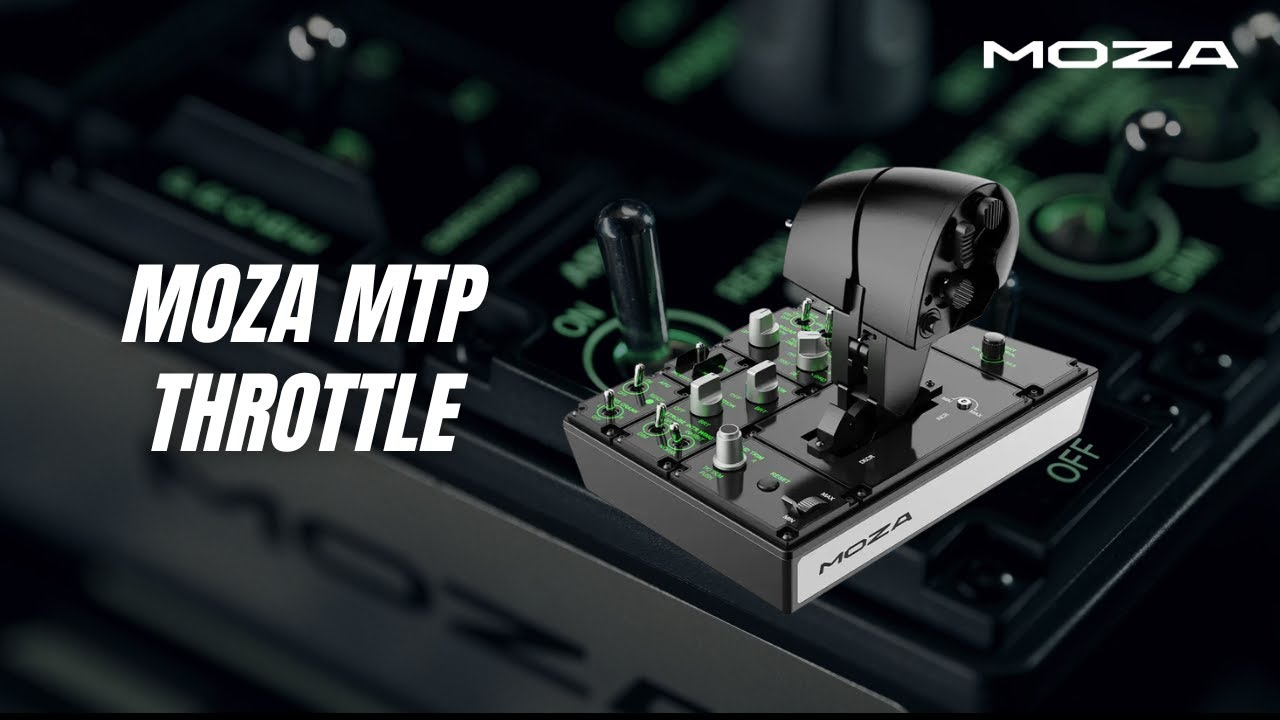
MOZA MTP Throttle
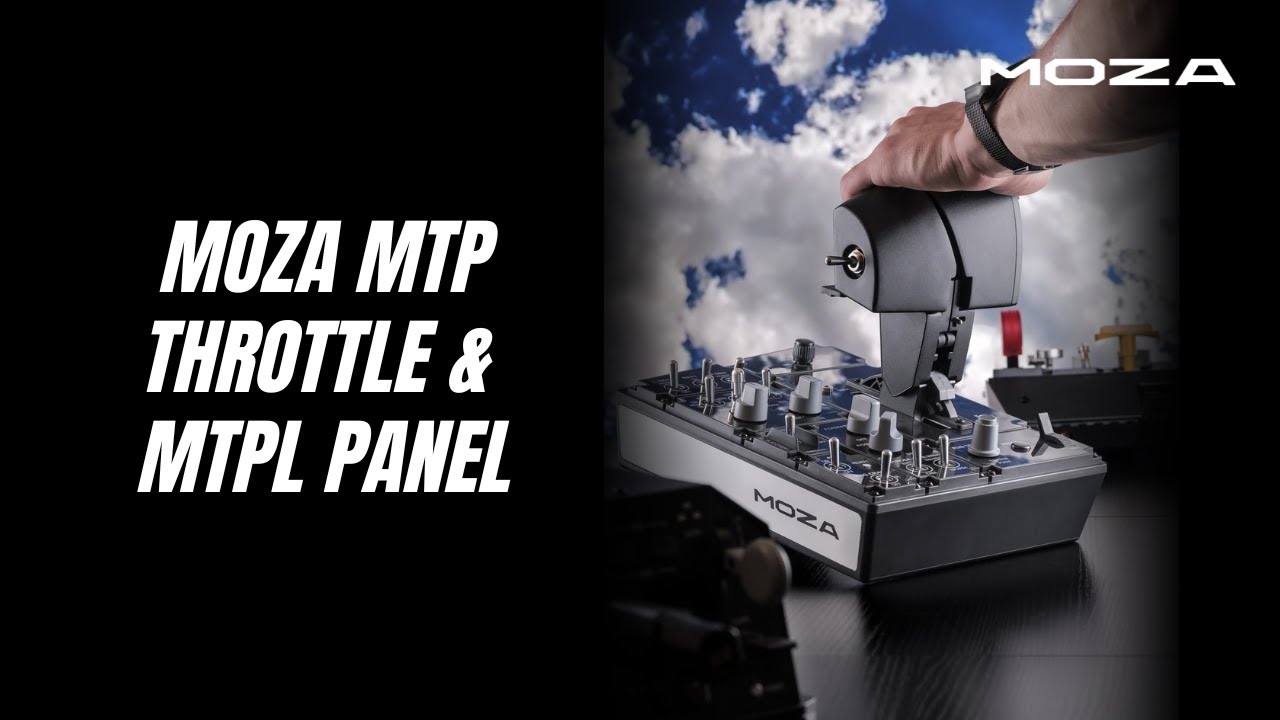
In-Depth Review: MTP Throttle & MTLP Panel
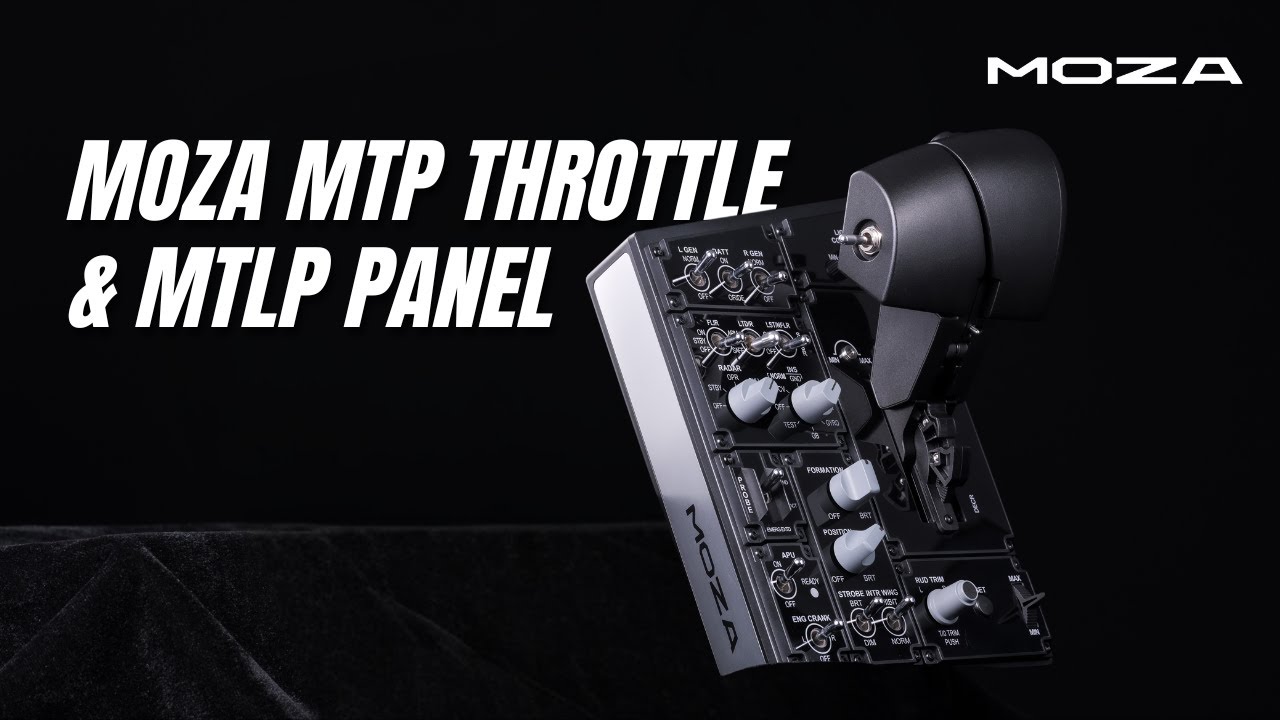
MTP Throttle & MTLP Panel
FAQs
What mounting options are available for the MTP?
The MTP has built-in mounting slots for direct attachment to aluminum profile rigs. A desktop clamp and mounting plate are available as optional accessories.
Can the MTP be paired with the MTLP Panel?
Yes. The MTLP Panel is a modular add-on that expands your throttle setup with landing gear and brake controls. It connects directly and integrates seamlessly in MOZA Cockpit software.
Does the detent system support space sims (HOSAS/Space Thrusters)?
Yes. In addition to afterburner and idle detents, the MTP supports a center detent configuration ideal for dual-direction thruster control in space sims like Star Citizen.
What games support the built-in vibration feedback?
Vibration telemetry works with DCS World, Microsoft Flight Simulator 2020/2024, X-Plane 12/11, and other supported titles — no plugins required. Configure intensity and triggers in MOZA Cockpit.
Does the Hall Effect joystick work in both axis and button mode?
Yes. The thumb joystick uses Hall Effect sensors for drift-free precision. It can be toggled between axis mode (for camera/look or thruster control) and 4-way button mode via MOZA Cockpit.
Is the MTP recognized as a standalone USB device?
Yes. The MTP connects via USB directly to your PC and is recognized as an independent game controller — no MOZA base required.
Post-Sales Support

Contact Customer Support
support@mozaracing.com

Get Technical Support
Submit New Ticket

Request Repair Service
Contact customer support first
Was this article helpful?
That’s Great!
Thank you for your feedback
Sorry! We couldn't be helpful
Thank you for your feedback
Feedback sent
We appreciate your effort and will try to fix the article