Pedals
MOZA SRP2 Pedals Support

Get Started

MOZA Pit House
All-in-one control software

MOZA Racing App
Cloud-based mobile control

User Manual
Product features and guides

Accessories
Compatible accessories
Post-Sales Support

Contact Customer Support
support@mozaracing.com

Get Technical Support
Submit New Ticket

Request Repair Service
Contact customer support first
Specifications
Tutorial Video
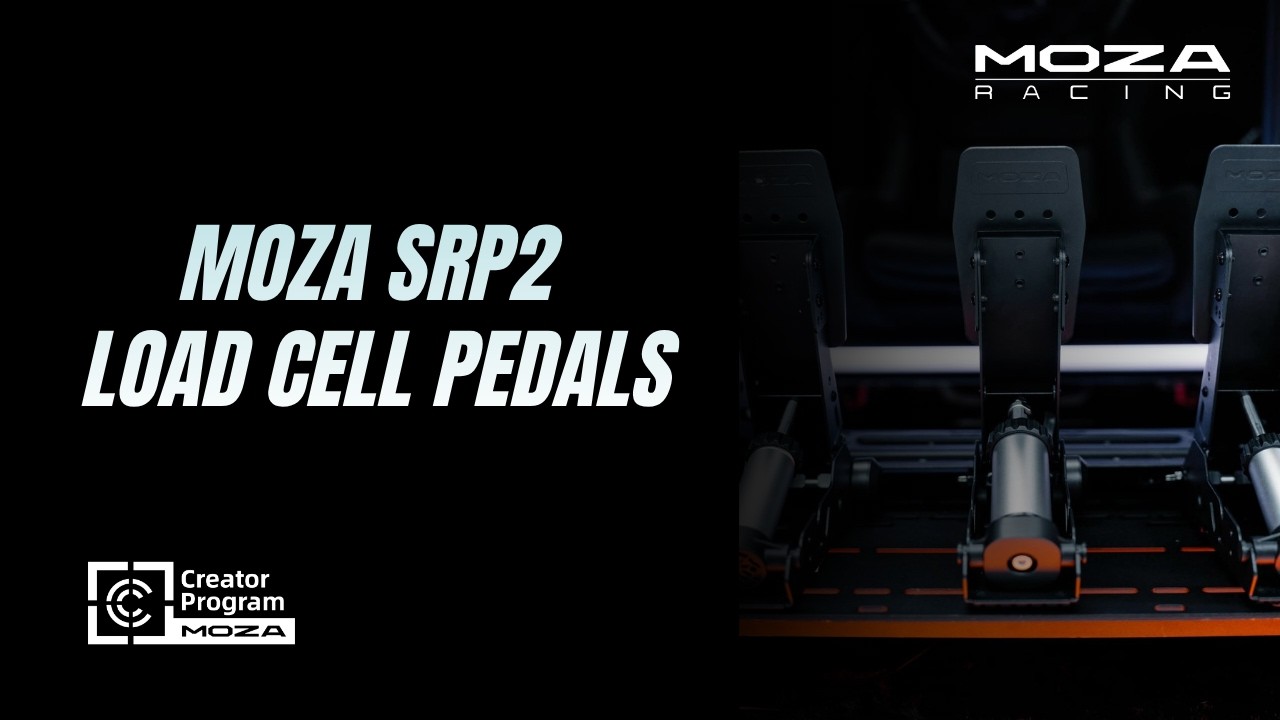
From Installation to First Drive
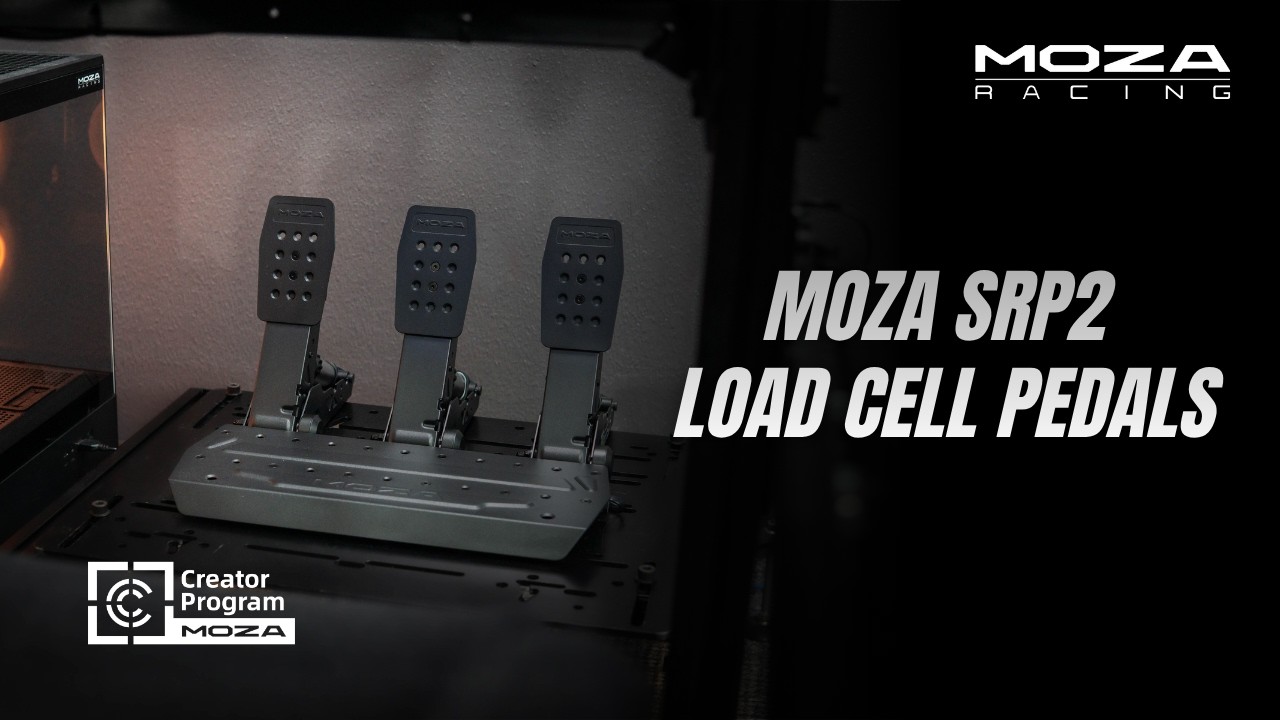
Discover the NEW SRP2
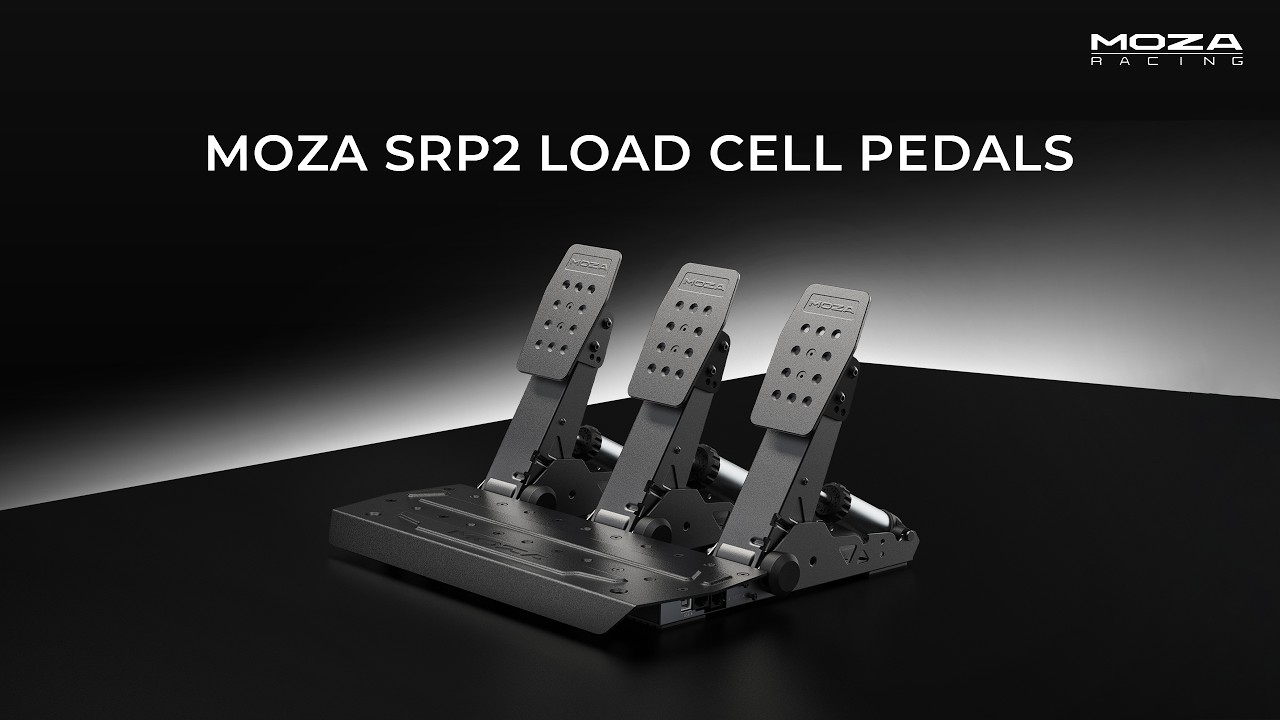
SRP2 Pedals NOW AVAILABLE
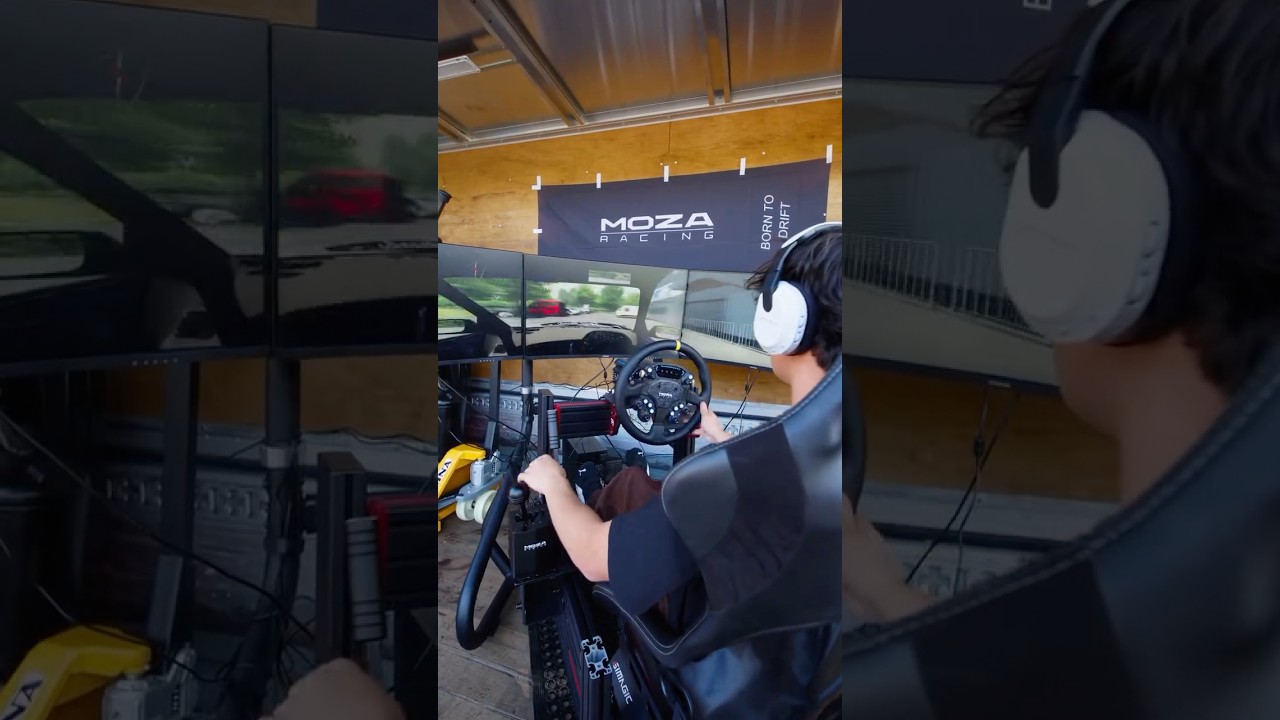
Precision-Engineered SRP2
Tune the SRP2 Load Cell
FAQs
How does the SRP2 brake pedal compare to other load cell pedals?
The SRP2 uses a 15-bit angle sensor combined with a 100KG load cell with a unique angle-load sensor fusion algorithm. You can run the sensors individually or together — the angle sensor covers initial pedal travel while the load cell handles later travel, delivering more controllable brake input that closely mimics a real car.
Can the SRP2 pedals work with other sim racing equipment?
Yes. The pedals connect directly to a PC via USB and are fully compatible with all sim racing brands — not just MOZA.
Do the SRP2 pedals need to be mounted on a cockpit or stand?
No. They can be mounted on a cockpit or stand, or placed directly on the floor. Anti-slip pads on the base reduce movement, and an optional wall support bracket can add extra stability.
Can I adjust pedal resistance or brake feel?
Yes. Both the throttle and clutch pedals feature two-stage preload adjustment. The brake pedal ships with 3 elastomer springs offering 25 brake feel configurations. The optional Performance Kit expands this to over 1,000 customizable brake feel setups.
How do I configure or calibrate the pedals?
Through the MOZA Pit House software, which enables full adjustment of pedal travel curves, sensitivity tuning, and mode switching.
The signal of fully depressing the pedal does not reach 100% in the game, or fully releasing does not return to 0%.
Try the following:
1. Some games can adjust the pedal signal stroke independently — adjust settings or eliminate the dead zone in the game
2. Set the pedal stroke via Set Min and Set Max on the main page of MOZA Pit House
3. Re-calibrate the pedal or adjust the stroke on the MOZA Pit House pedal function page
The pedal does not work properly — no response?
1. Check the USB connection. Observe the computer's response by unplugging and plugging the pedal USB.
2. After connecting to a stable USB port, check if the pedal game controller is present in Windows USB Game Controllers. If not, contact customer service.
3. Ensure the angle sensor or pressure sensor signal lines are connected to the correct control box sockets.
Why is the pedal trigger reversed in the game?
1. In some games, the pedal signal reverse can be set separately — cancel the reverse in the game settings.
2. In the pedal function page of MOZA Pit House, the signal of a pedal can be reversed independently.
Was this article helpful?
That’s Great!
Thank you for your feedback
Sorry! We couldn't be helpful
Thank you for your feedback
Feedback sent
We appreciate your effort and will try to fix the article