Game Configurations
Fernbus Simulat
1.Game Installation
The game can be installed via official platforms such as Steam.
2.Force Feedback Configuration
Official default settings are already optimized.
3.Telemetry Configuration
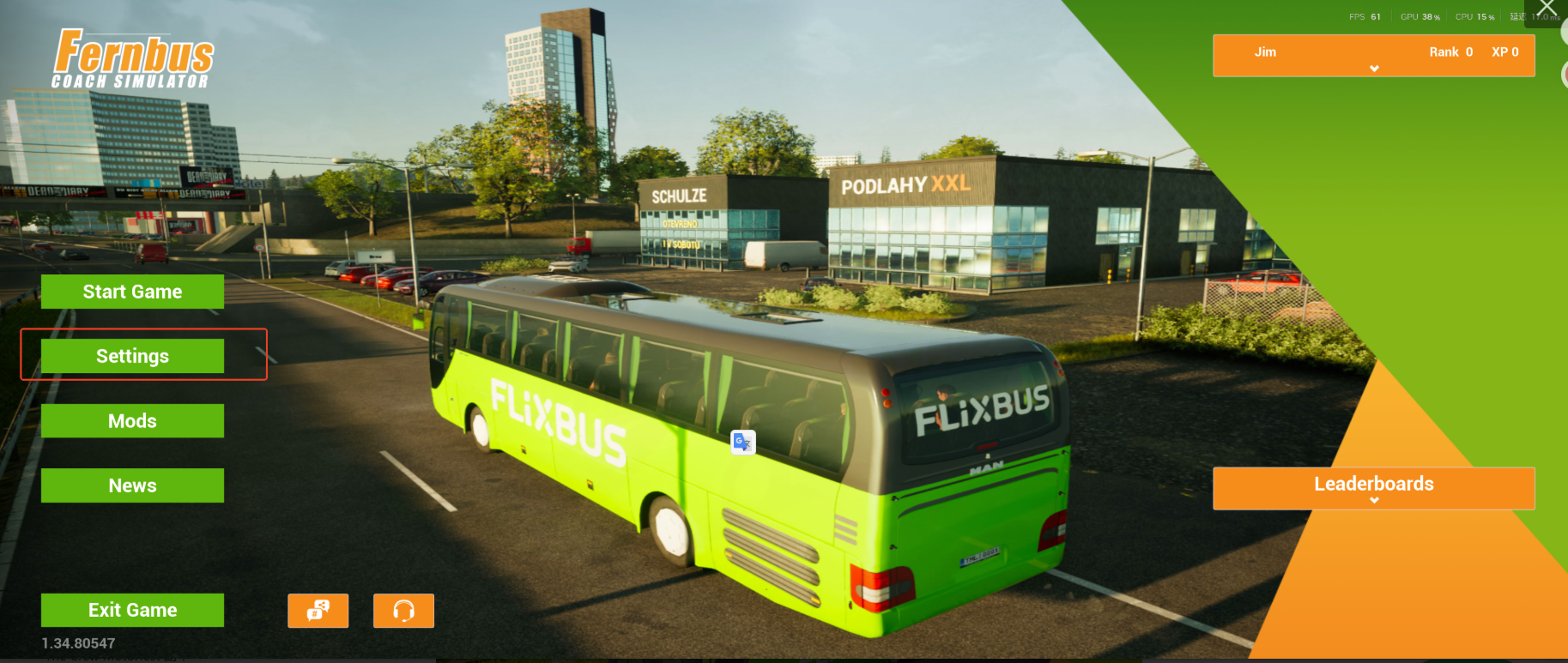
Open the Settings menu.
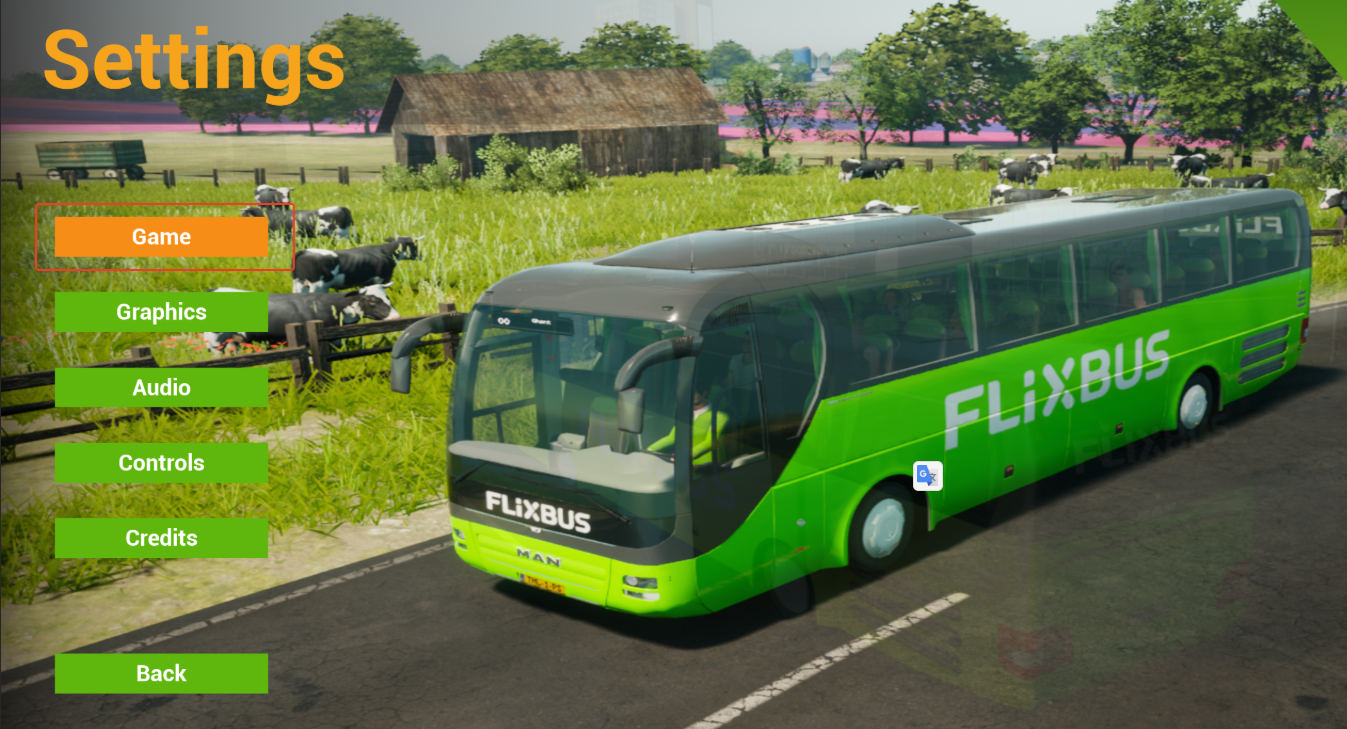
Go to the Game setting.
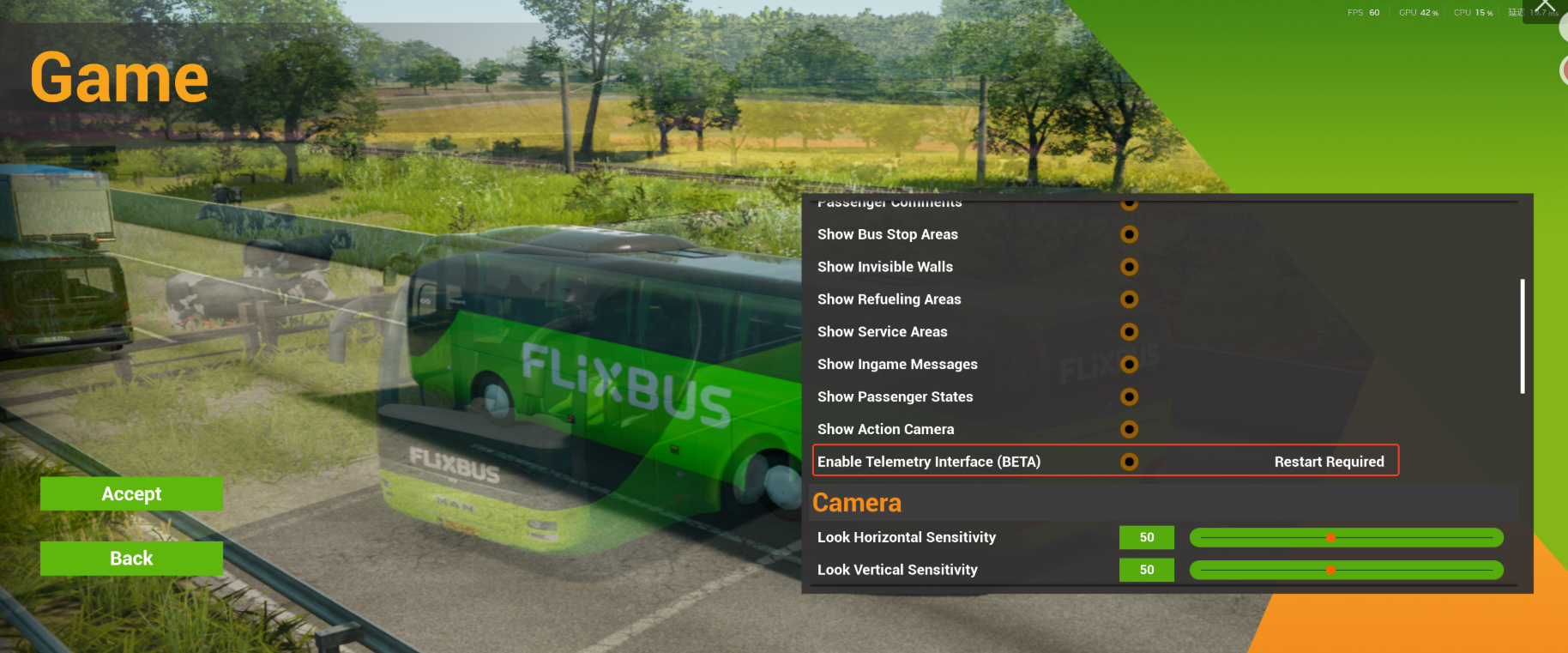
Enable “Enable Telemetry Interface (BETA)”. After enabling it, you need to restart the game.
4.Device Control Mapping
Basic buttons are already bound by default. If you need to bind additional buttons, you can do so in Controls. 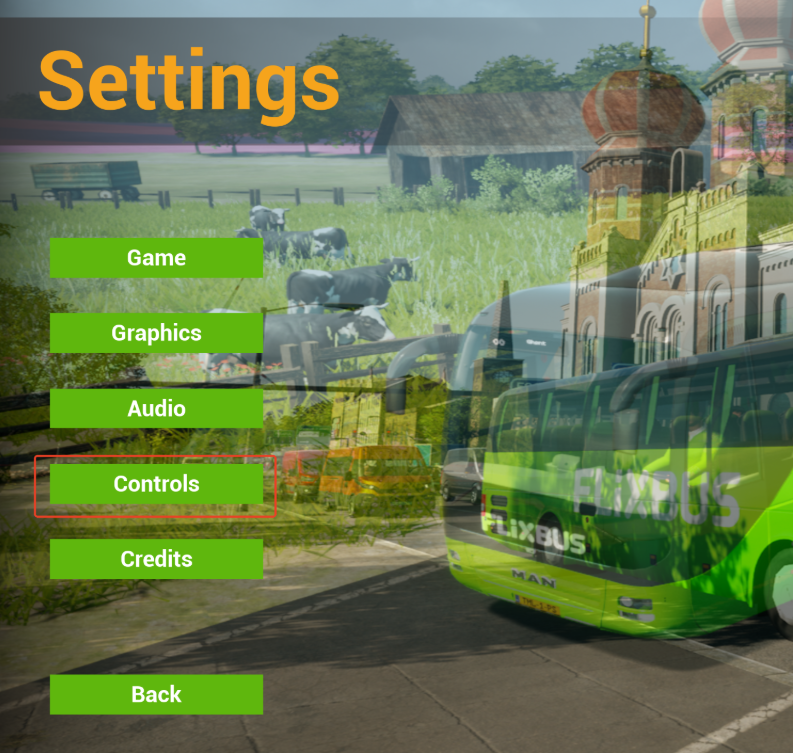
The Assistant can be used to rebind the default/basic buttons.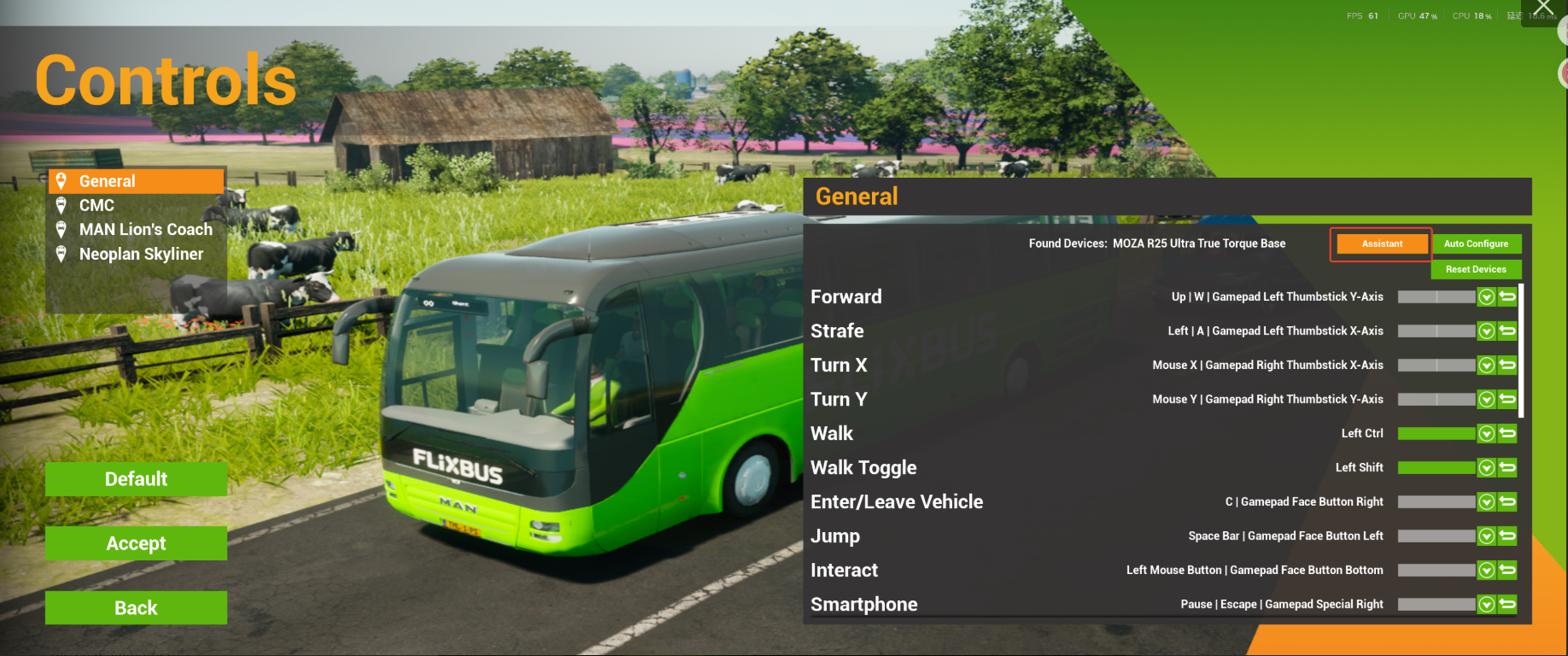
If you need to bind additional buttons, click the downward arrow next to the desired control to open the extended interface. Add the button, then press the corresponding button on the wheel to complete the binding. 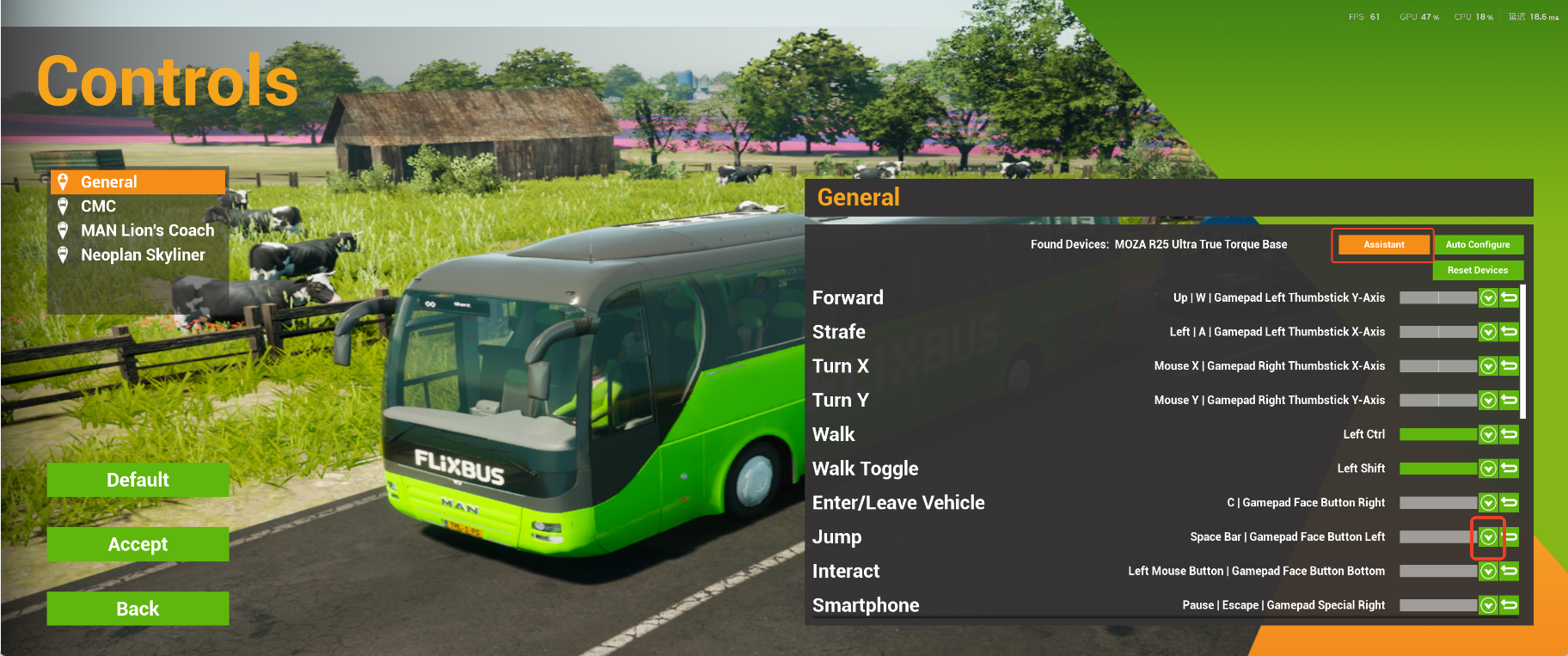
Was this article helpful?
That’s Great!
Thank you for your feedback
Sorry! We couldn't be helpful
Thank you for your feedback
Feedback sent
We appreciate your effort and will try to fix the article