Steering Wheels
MOZA Mission R Steering Wheel Support

Get Started

MOZA Pit House
All-in-one control software

MOZA Racing App
Cloud-based mobile control

User Manual
Product features and guides

Accessories
Compatible accessories
Post-Sales Support

Contact Customer Support
support@mozaracing.com

Get Technical Support
Submit New Ticket

Request Repair Service
Contact customer support first
Specifications
Tutorial Video
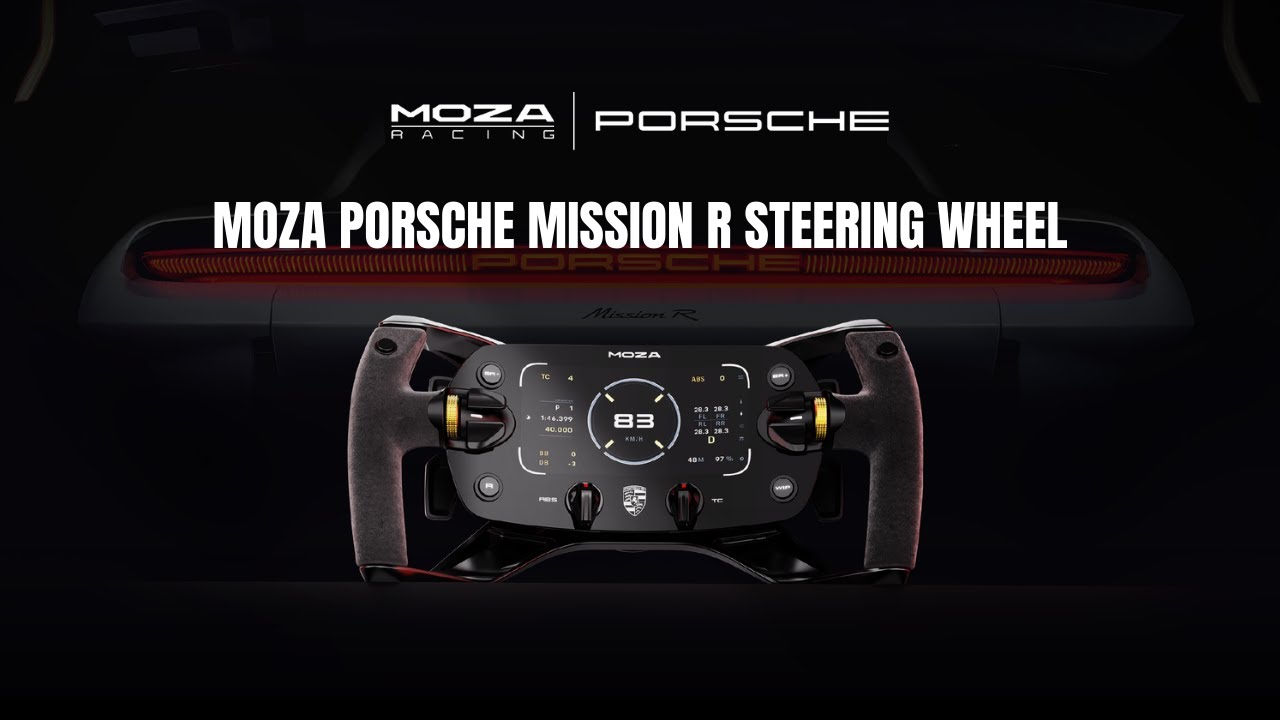
Meet the Porsche Mission R Steering Wheel
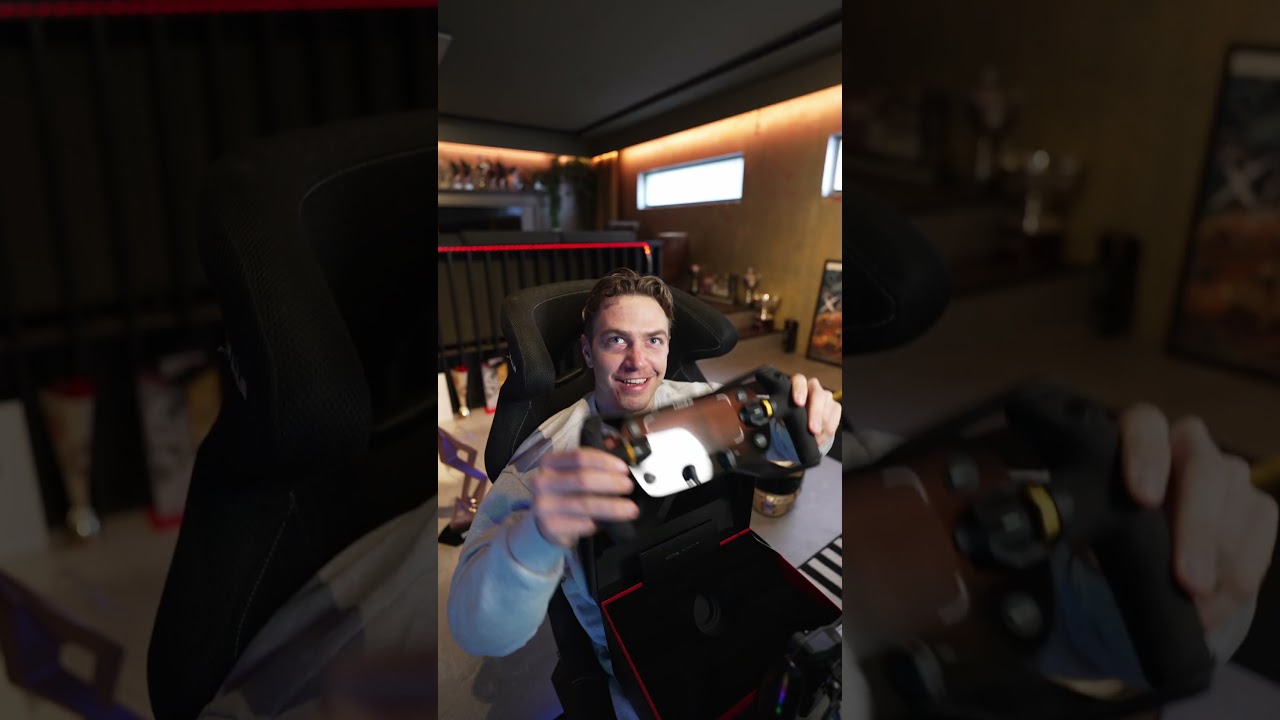
Unboxing the Porsche Mission R Wheel
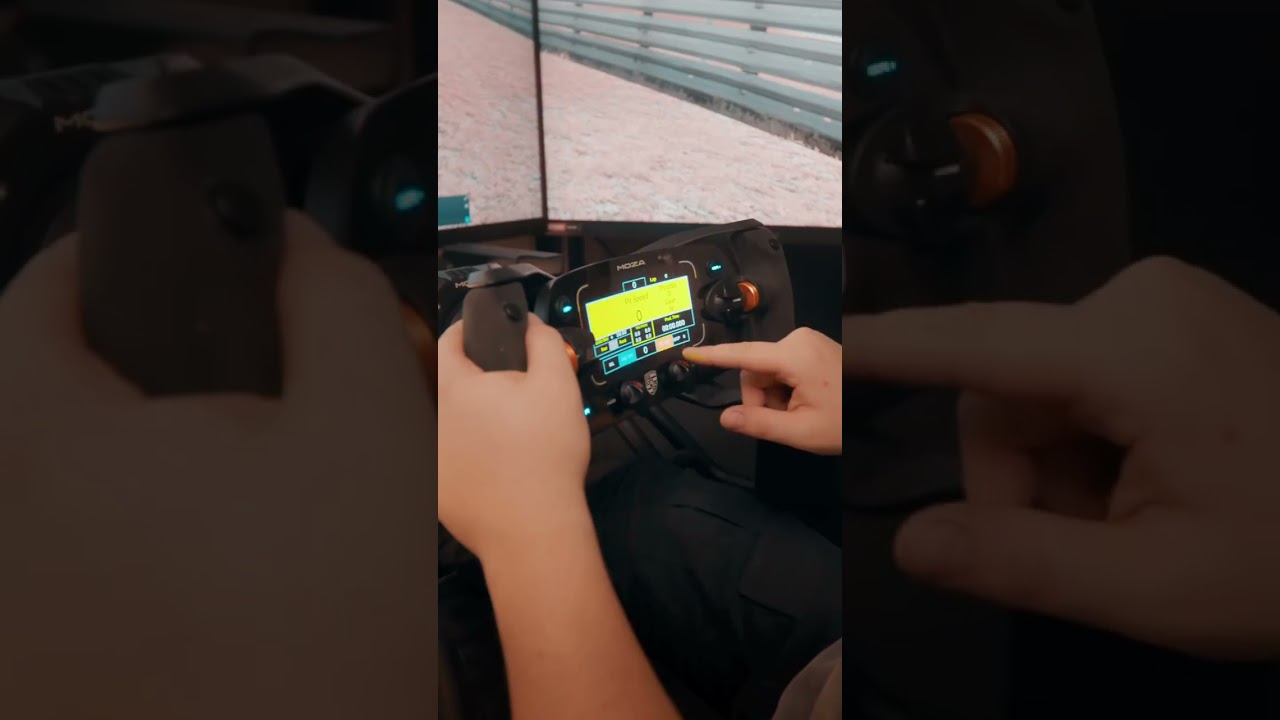
Experience the Porsche Mission R
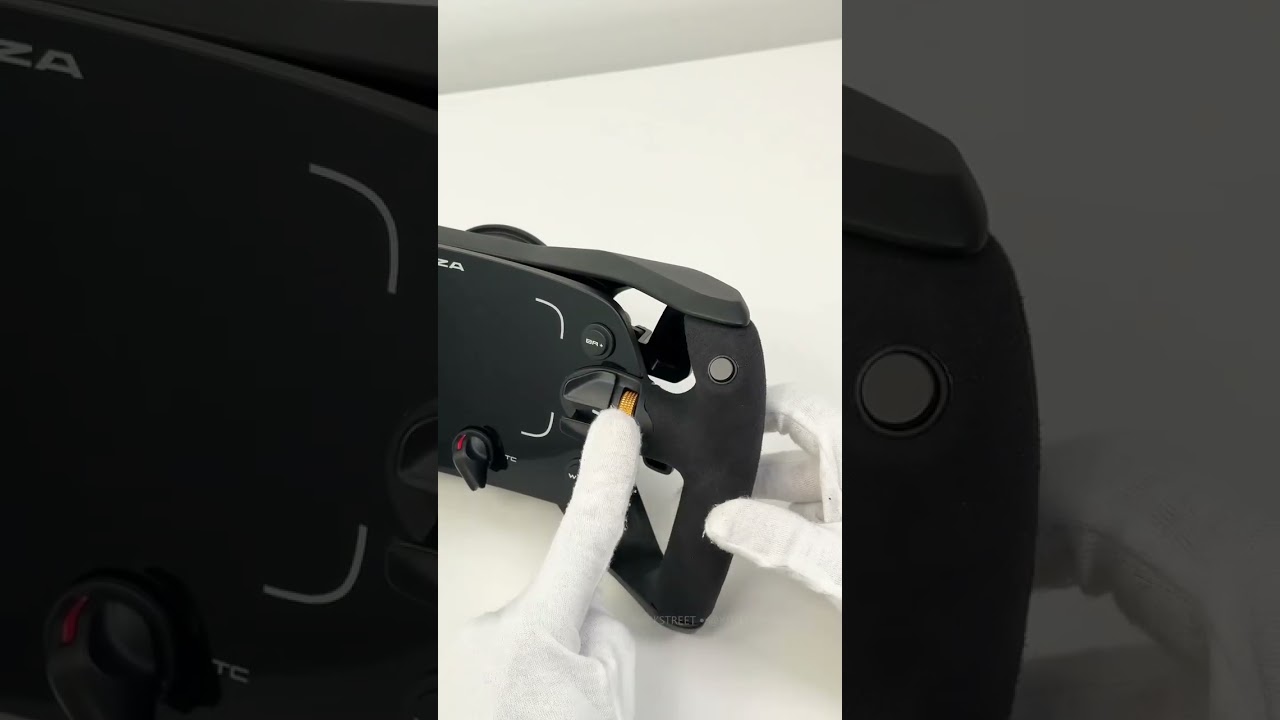
Porsche Mission R is Finally Here
FAQs
Is this an officially licensed Porsche product?
Yes. This steering wheel is officially licensed by Porsche and faithfully recreated using the original Porsche Mission R CAD data for true motorsport authenticity in both design and control layout.
How durable is the OLED display?
The 5.4-inch flexible OLED display is protected by high-strength tempered glass and powered by a dedicated 1.3GHz quad-core processor, engineered for long-term reliability under racing conditions.
Can I customize the display and dashboards?
Yes. The wheel supports MOZA's proprietary dash UI editing system via Pit House software, allowing you to customize telemetry layouts, colors, and data fields with presets or advanced manual editing.
Is the dual-clutch system supported in professional sim titles?
The dual-clutch system is fully supported in professional sim titles such as iRacing and the F1 series, enabling single or dual clutch modes for competitive race starts.
What software is required?
MOZA Pit House software is required to configure display layouts, button mappings, lighting effects, and advanced settings.
The force feedback weakens or disappears suddenly.
Restart the wheel base, MOZA Pit House and the game.
The shift indicator does not match the engine speed.
Click "Configure" in the game on the right side on the main page in MOZA Pit House, then turn on the rev speed matching button on the steering wheel setting page.
The steering wheel is not successfully paired with the wheel base.
Try the following:
1. Upgrade the base and steering wheel firmware to the latest version
2. Set steering wheel access detection in MOZA Pit House to continuous detection
3. Or keep automatic detection but perform a steering wheel automatic detection calibration
Was this article helpful?
That’s Great!
Thank you for your feedback
Sorry! We couldn't be helpful
Thank you for your feedback
Feedback sent
We appreciate your effort and will try to fix the article