Steering Wheels
MOZA CS PRO Steering Wheel Support

Get Started

MOZA Pit House
All-in-one control software

MOZA Racing App
Cloud-based mobile control

User Manual
Product features and guides

Accessories
Compatible accessories
Post-Sales Support

Contact Customer Support
support@mozaracing.com

Get Technical Support
Submit New Ticket

Request Repair Service
Contact customer support first
Specifications
Tutorial Video
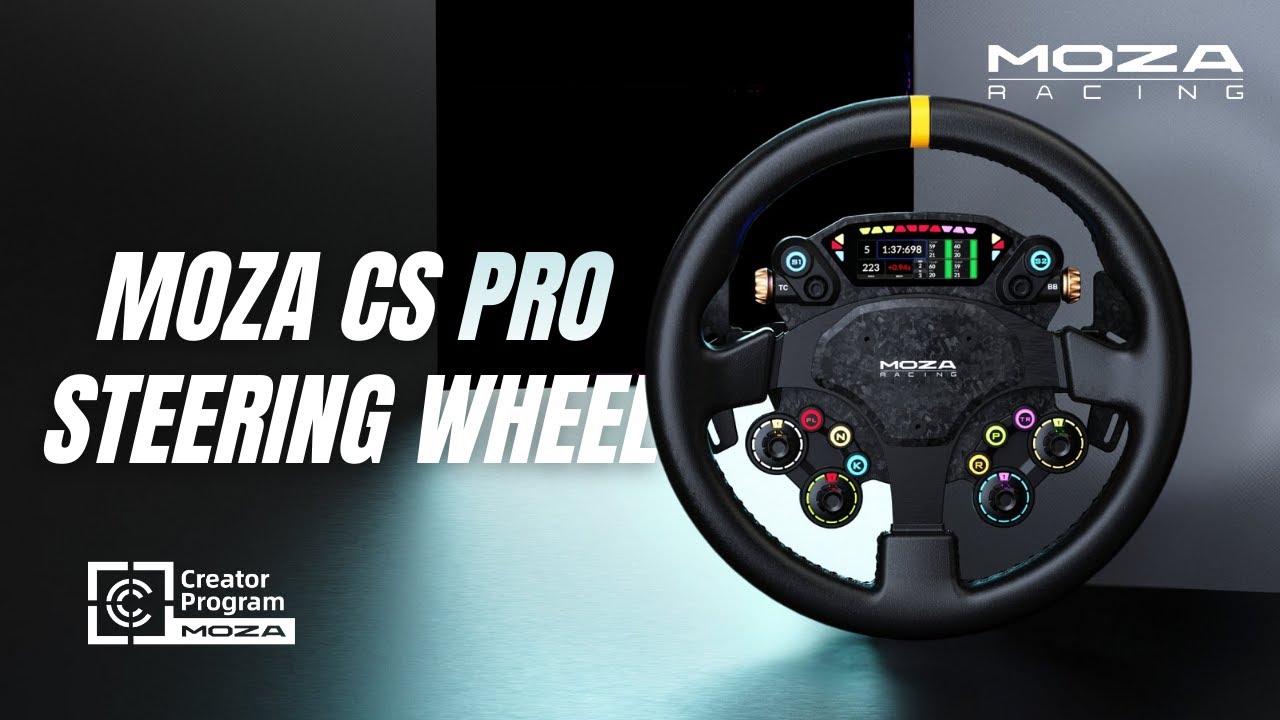
Introducing the CS Pro
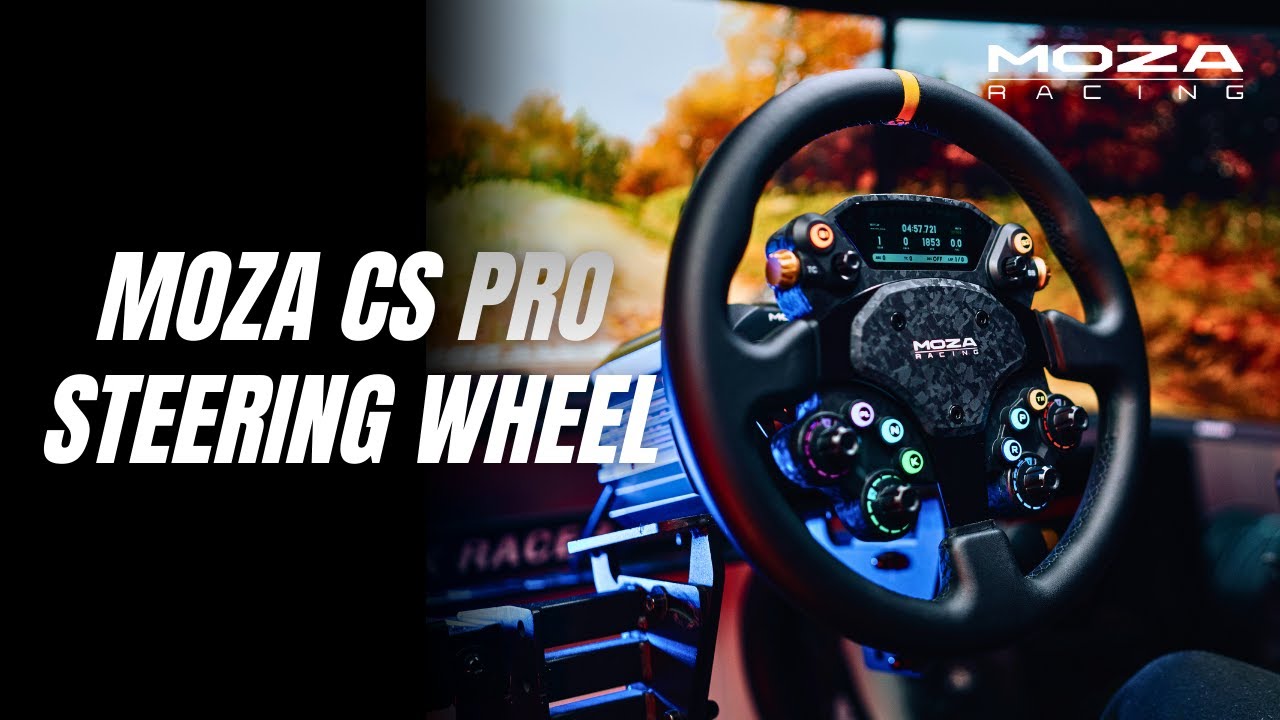
Elevate Your Setup with CS Pro
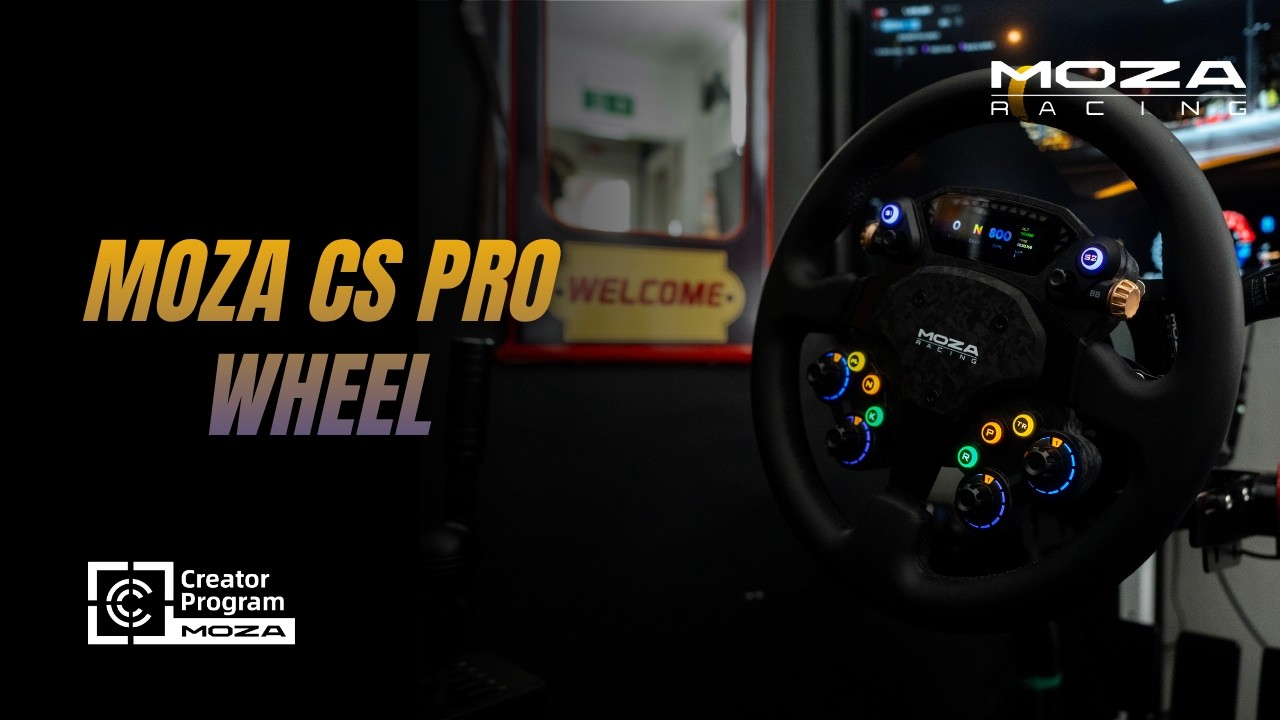
CS PRO Steering Wheel
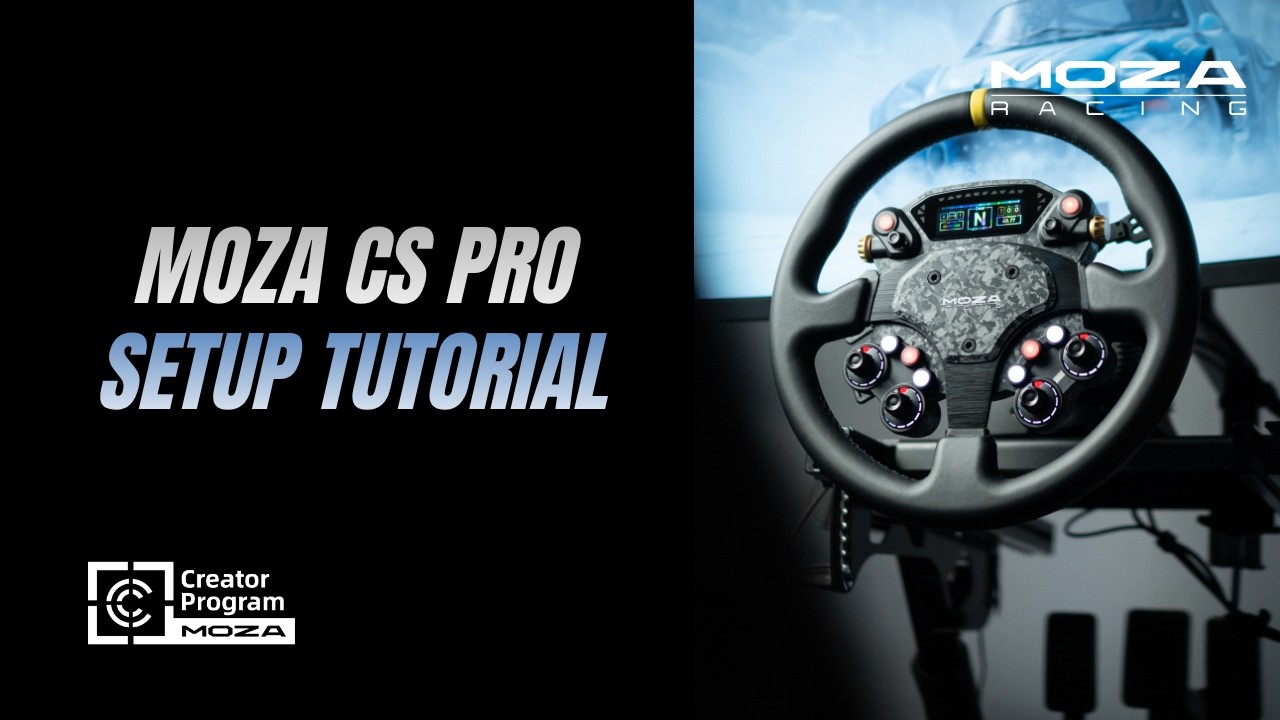
CS Pro Setup Tutorial
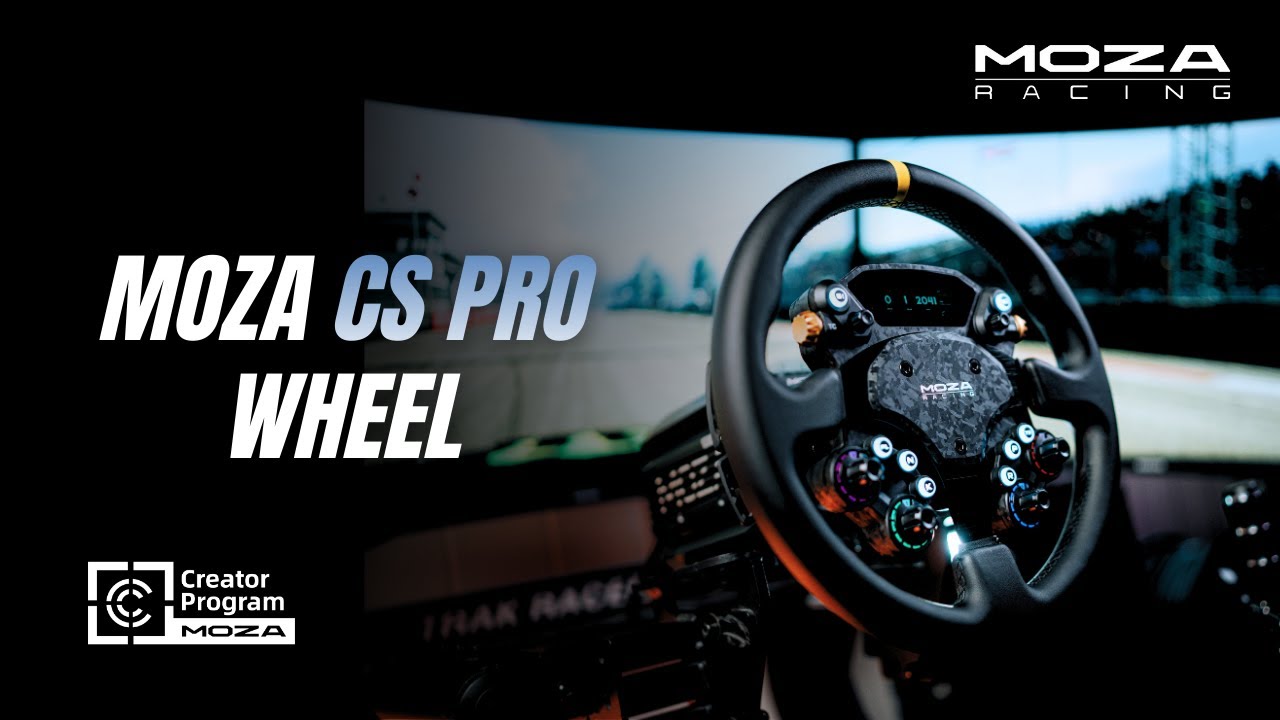
CS Pro In-Depth Gameplay
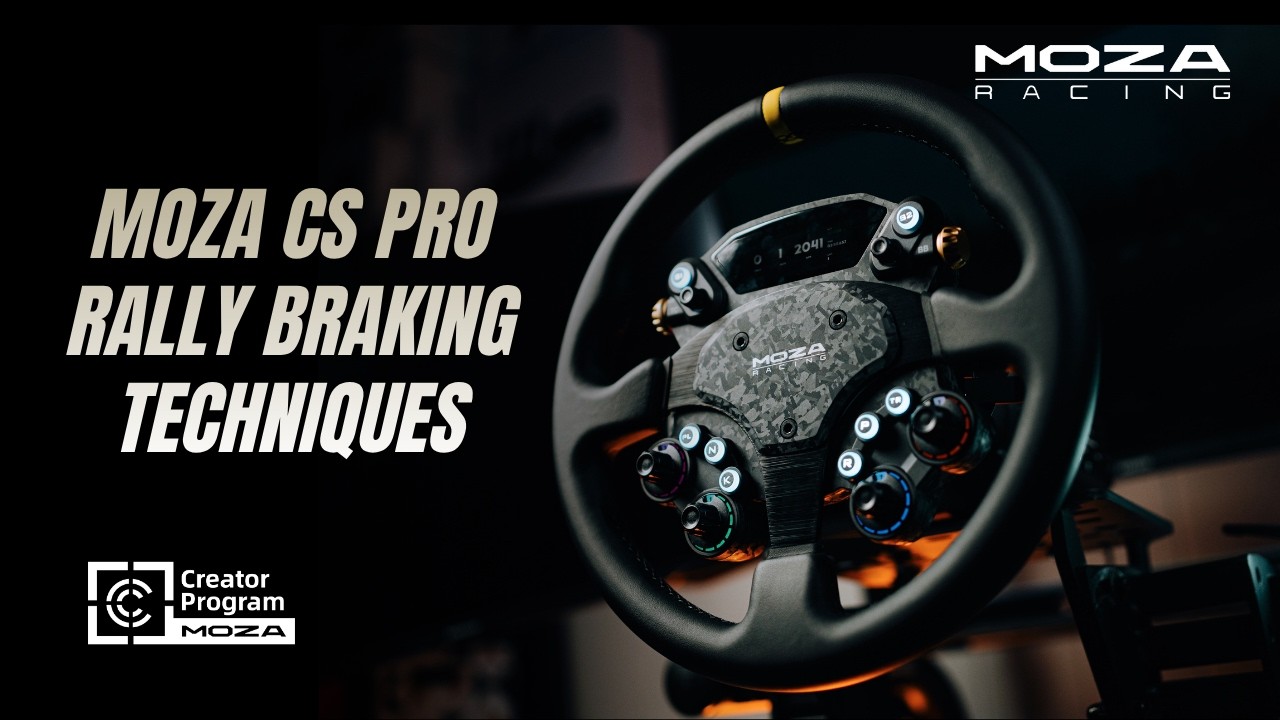
CS Pro Rally Braking Techniques
FAQs
Who is the CS Pro best suited for?
The CS Pro is designed for sim racers who want a full-size round racing wheel with advanced customization and professional-grade controls. It covers circuit racing, drifting, endurance, and mixed disciplines.
Is a 325 mm round wheel suitable for competitive racing?
Yes. This diameter is widely used in real-world racing and sim racing, offering smoother steering inputs, better leverage, and improved stability across a wide range of racing styles.
Is the wheel rim interchangeable?
Yes. The CS Pro uses an industry-standard 6×70 bolt pattern, allowing the button box to be paired with most third-party rims, including for drifting or alternative shapes.
Can I customize the display and dashboards?
Yes. The 2.99-inch HD display is fully customizable through MOZA Pit House — you can design, import, or share layouts for different cars and racing disciplines.
What are the advantages of the dual-clutch paddle system?
The magnetic paddles with Hall sensors provide precise, consistent actuation and support dual-clutch launches, single-clutch operation, or fully programmable inputs.
The force feedback weakens or disappears suddenly.
Restart the wheel base, MOZA Pit House and the game.
Insensitive shift paddle / responsive latency / irresponsive / stuck.
Click "Calibrate Paddles" on the Recovery and Reset page in Pit House and calibrate as instructed.
The steering wheel is not successfully paired with the wheel base.
Try the following:
1. Upgrade the base and steering wheel firmware to the latest version
2. Set steering wheel access detection in MOZA Pit House to continuous detection
3. Or keep automatic detection but perform a steering wheel automatic detection calibration
Was this article helpful?
That’s Great!
Thank you for your feedback
Sorry! We couldn't be helpful
Thank you for your feedback
Feedback sent
We appreciate your effort and will try to fix the article