Steering Wheels
MOZA KS PRO Steering Wheel Support

Get Started

MOZA Pit House
All-in-one control software

MOZA Racing App
Cloud-based mobile control

User Manual
Product features and guides

Accessories
Compatible accessories
Post-Sales Support

Contact Customer Support
support@mozaracing.com

Get Technical Support
Submit New Ticket

Request Repair Service
Contact customer support first
Specifications
Tutorial Video
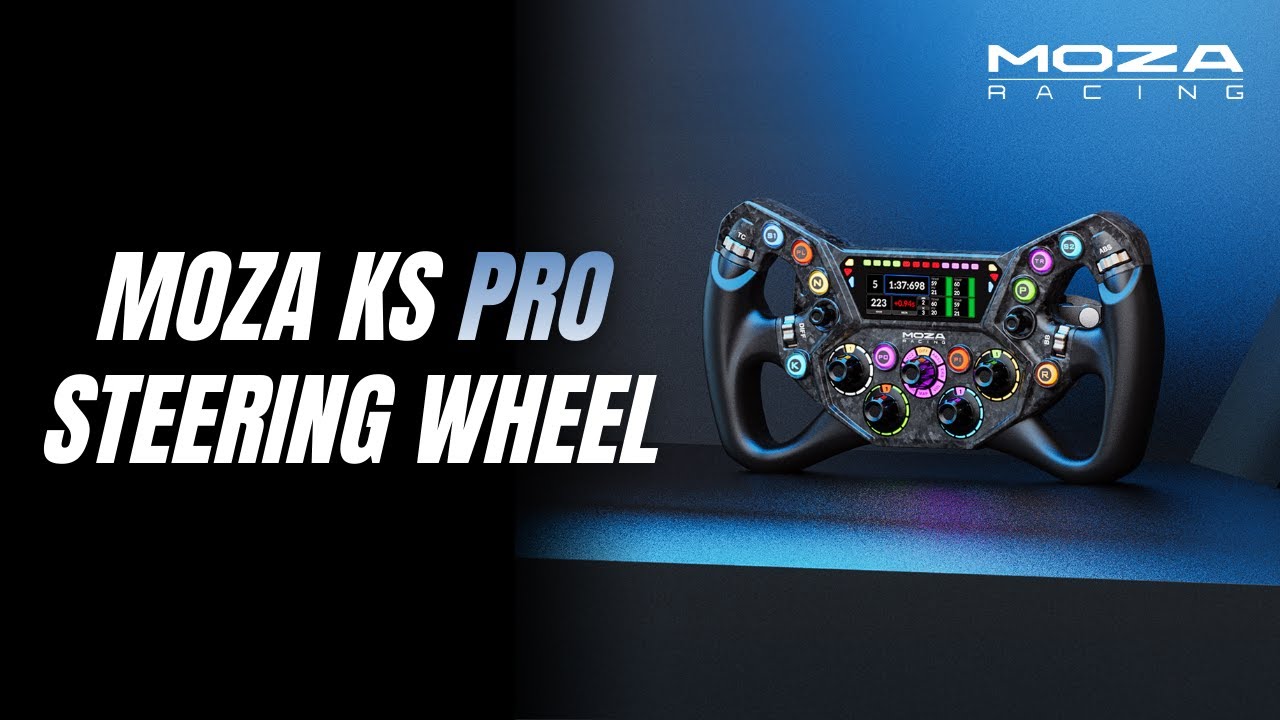
MOZA KS Pro Steering Wheel
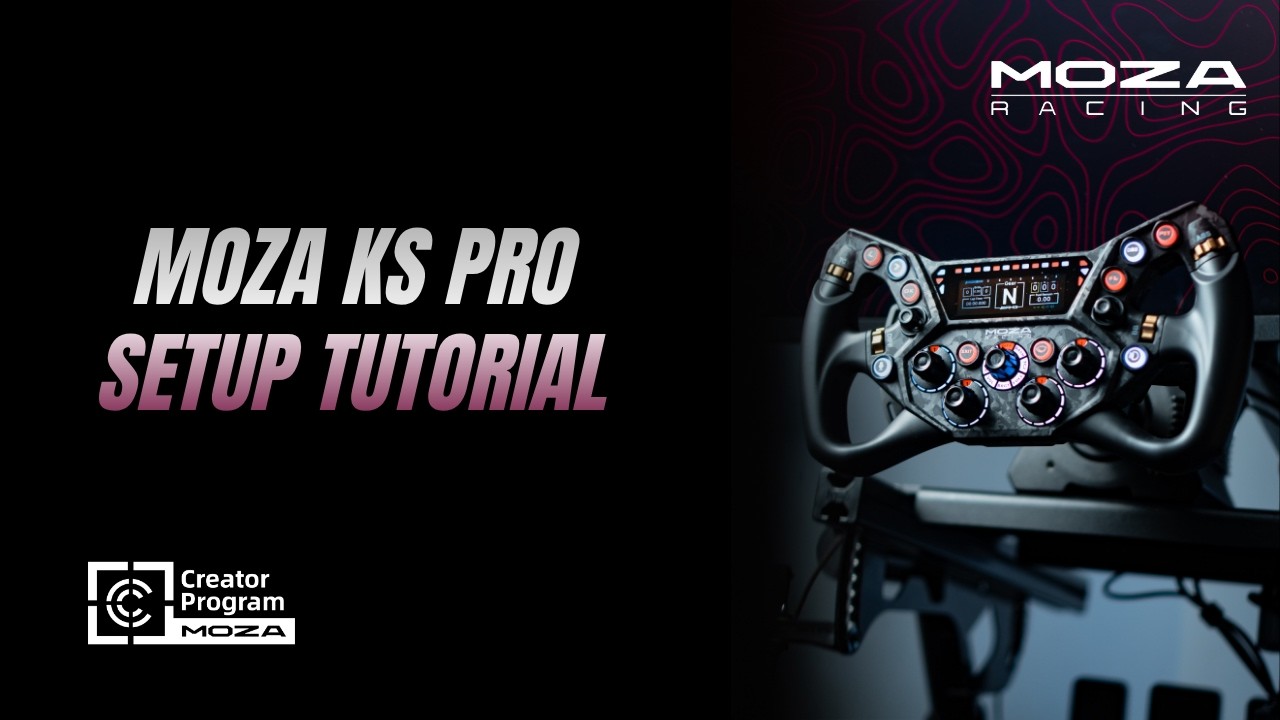
KS Pro Setup Tutorial
Reviews
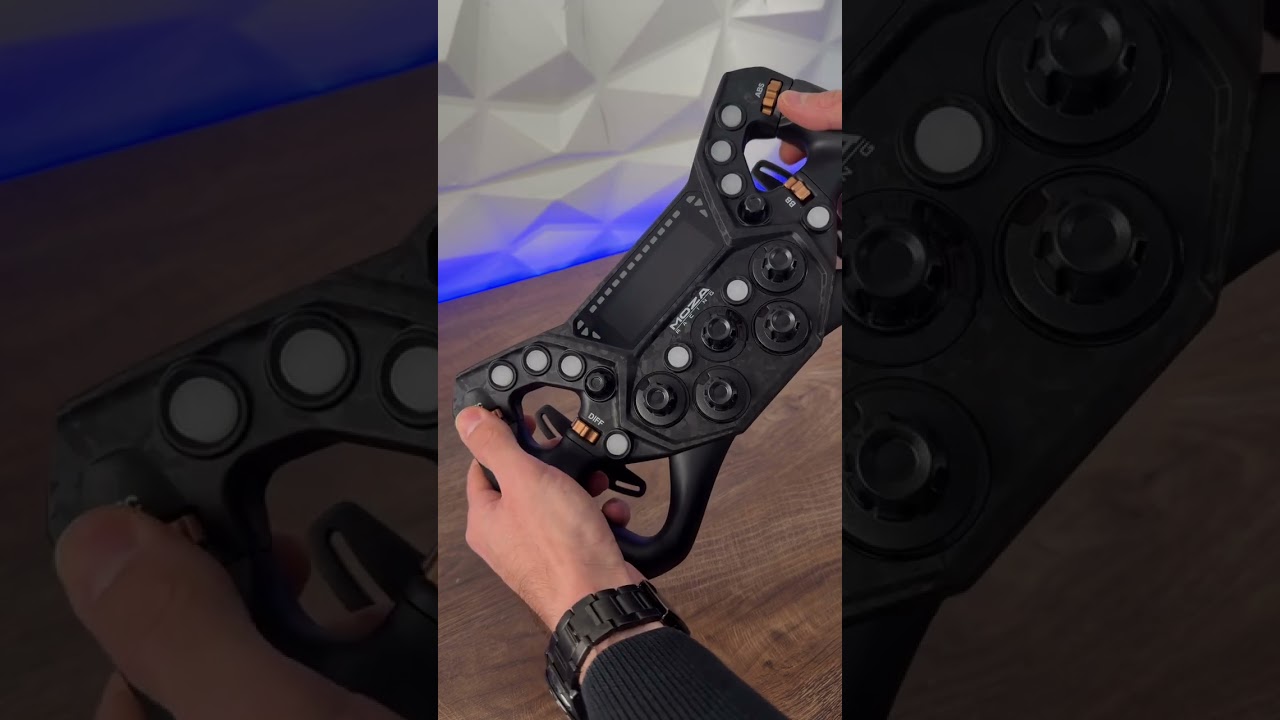
Unboxing the KS PRO Steering Wheel
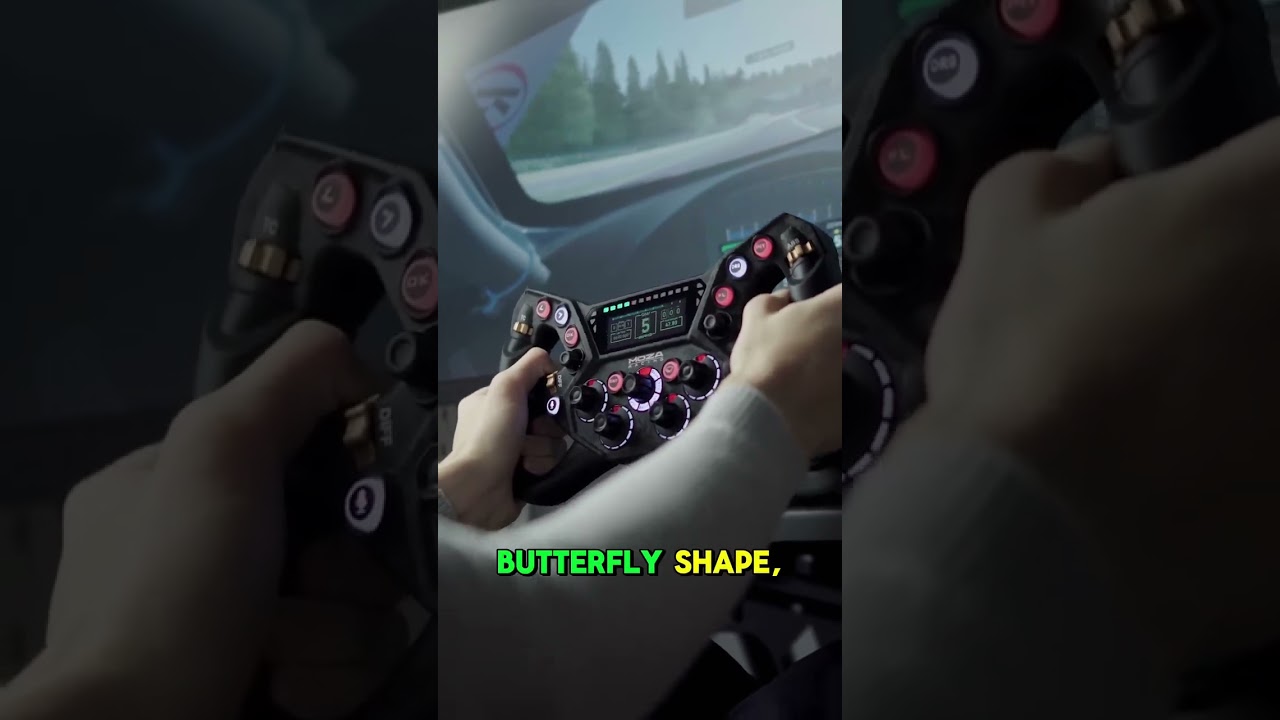
KS vs KS Pro — What's Improved?
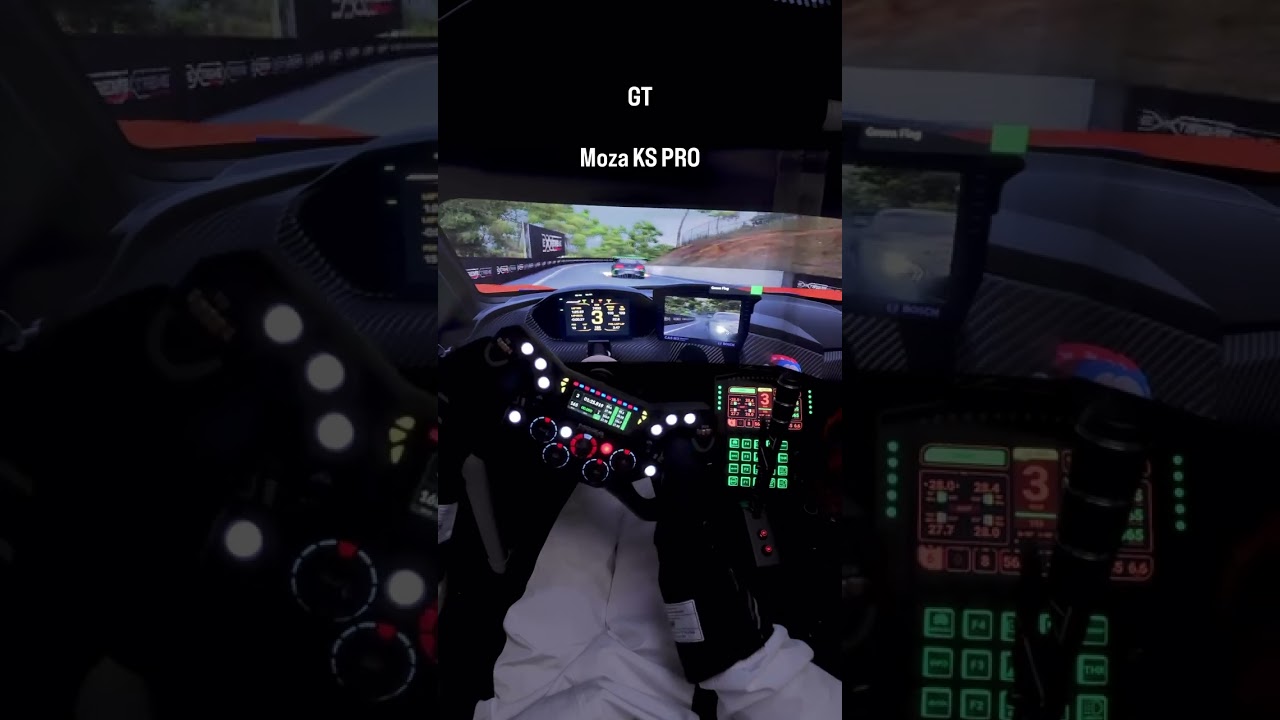
KS Pro or CS Pro — Your Call
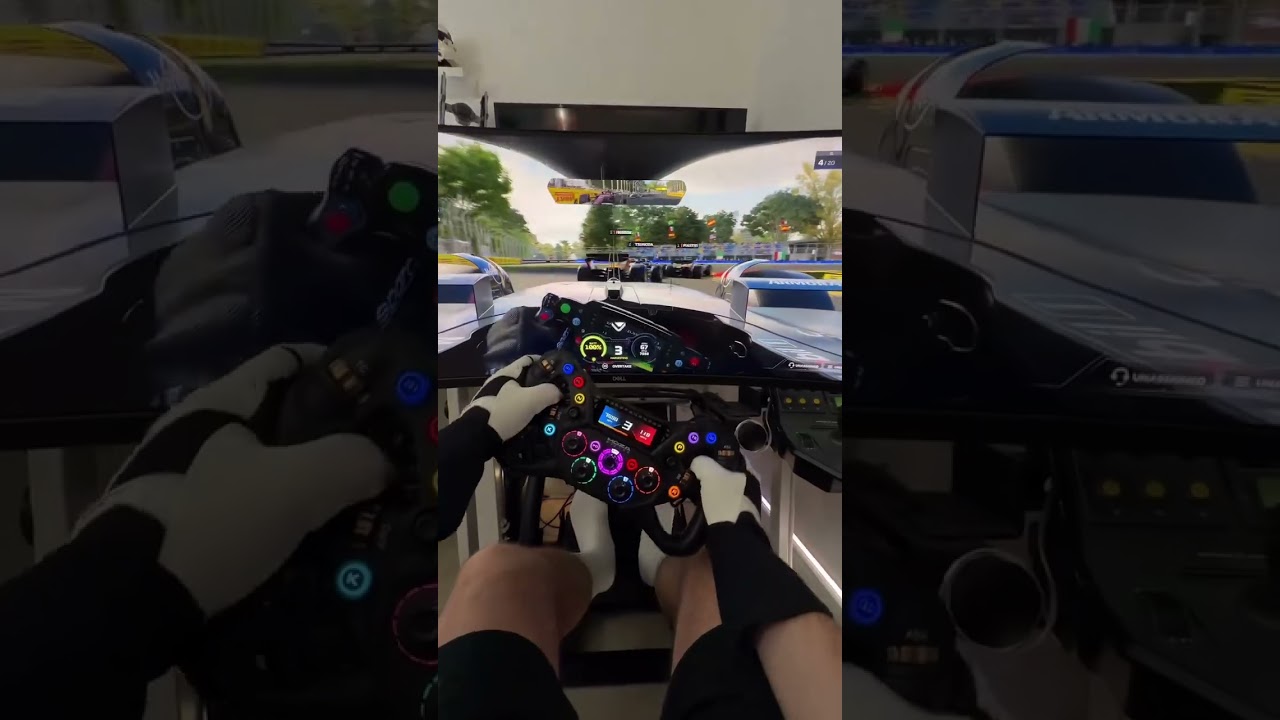
Getting Hands-On with KS PRO
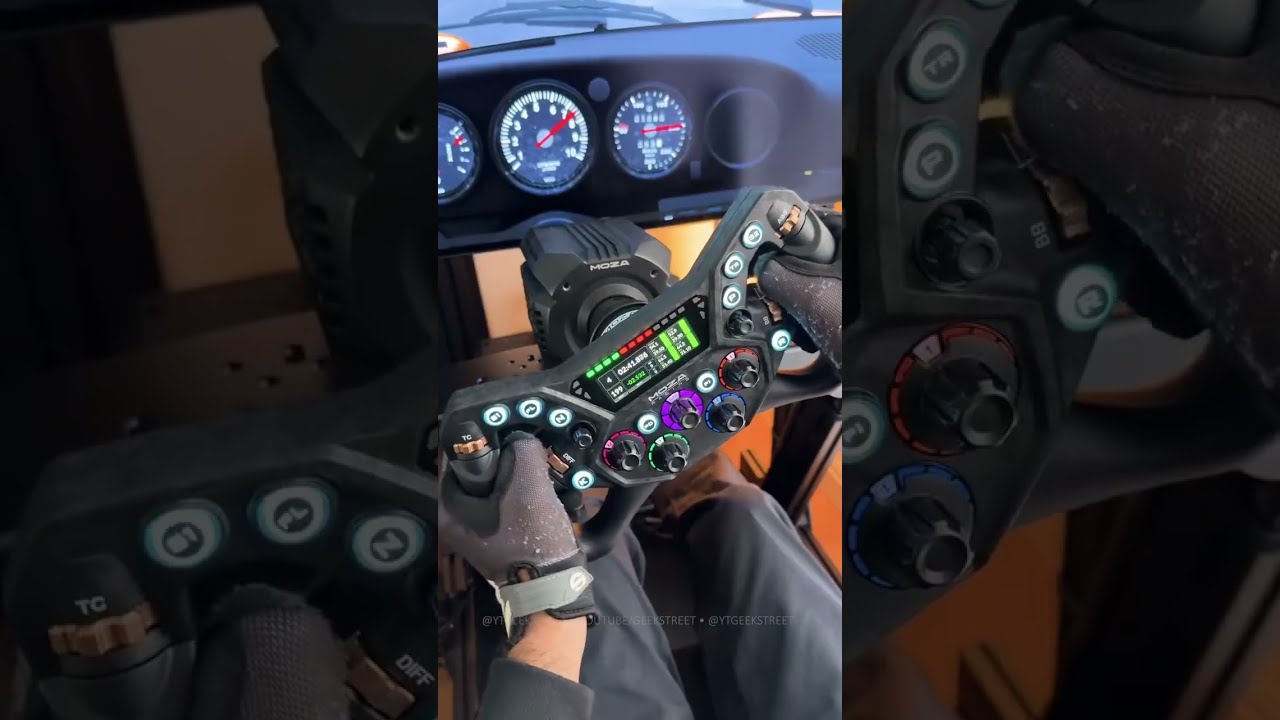
KS Pro Racing Wheel Full Review
FAQs
Is the KS Pro suitable for formula and GT racing?
The 300 mm butterfly-style design is optimized for fast inputs and high control density, making it ideal for formula-style racing. It also performs exceptionally well in GT and endurance racing for those who prefer quicker steering response.
Can I customize the display?
The 2.99-inch display is fully customizable through MOZA Pit House. You can create personal dashboards, import community designs, or switch layouts per car and scenario.
What dual-clutch paddle modes are supported?
The forged carbon magnetic paddles support multiple modes, including dual-clutch launches, single clutch operation, or fully programmable inputs.
Does the KS Pro work with third-party wheelbases?
Yes. In addition to full compatibility with all MOZA wheelbases, the KS Pro can connect directly to a PC via MOZA's universal hub kit, enabling use with third-party wheelbases.
The force feedback weakens or disappears suddenly.
Restart the wheel base, MOZA Pit House and the game.
The shift indicator does not match the engine speed.
Click "Configure" in the game on the right side on the main page in MOZA Pit House, then turn on the rev speed matching button on the steering wheel setting page.
Insensitive shift paddle / responsive latency / irresponsive / stuck.
Click "Calibrate Paddles" on the Recovery and Reset page in Pit House and calibrate as instructed.
The steering wheel is not successfully paired with the wheel base.
Try the following:
1. Upgrade the base and steering wheel firmware to the latest version
2. Set steering wheel access detection in MOZA Pit House to continuous detection
3. Or keep automatic detection but perform a steering wheel automatic detection calibration
Was this article helpful?
That’s Great!
Thank you for your feedback
Sorry! We couldn't be helpful
Thank you for your feedback
Feedback sent
We appreciate your effort and will try to fix the article