Steering Wheels
MOZA ESX Steering Wheel Support

Get Started

MOZA Pit House
All-in-one control software

MOZA Racing App
Cloud-based mobile control

User Manual
Product features and guides

Accessories
Compatible accessories
Post-Sales Support

Contact Customer Support
support@mozaracing.com

Get Technical Support
Submit New Ticket

Request Repair Service
Contact customer support first
Specifications
Tutorial Video
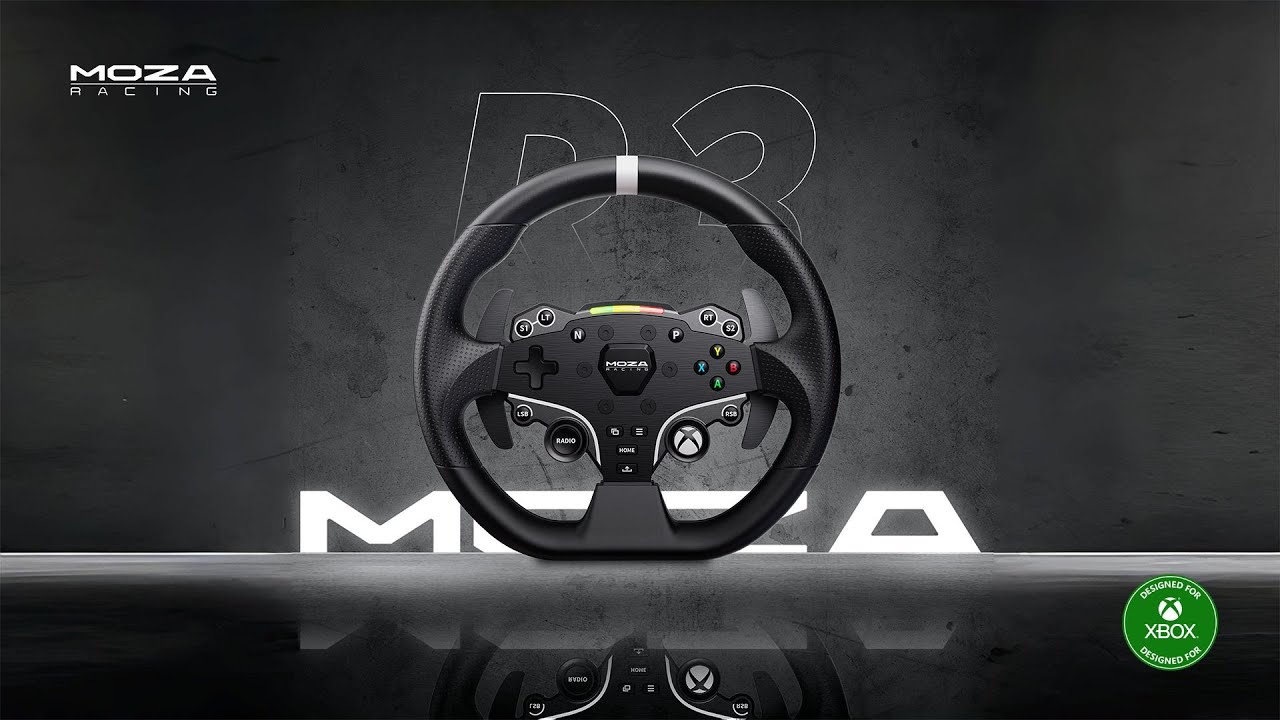
Introducing MOZA R3 for Xbox & PC
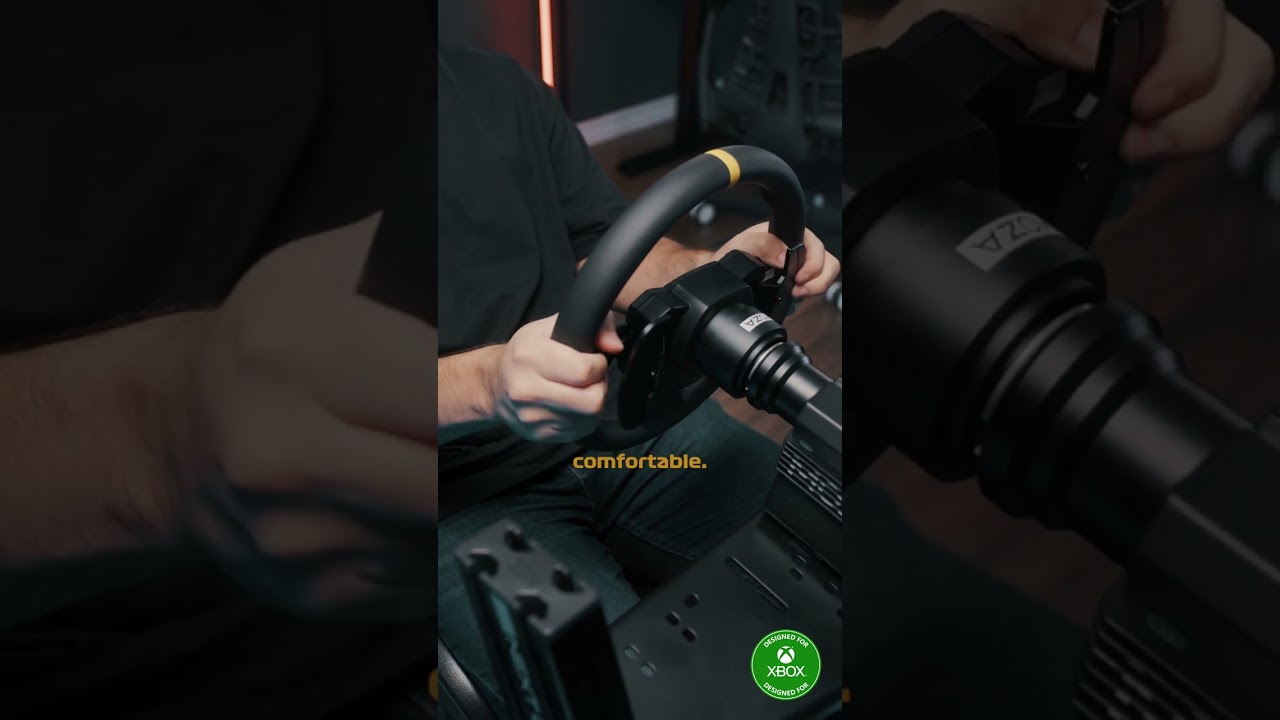
Upgrade ESX with Formula & Round Wheel Mods
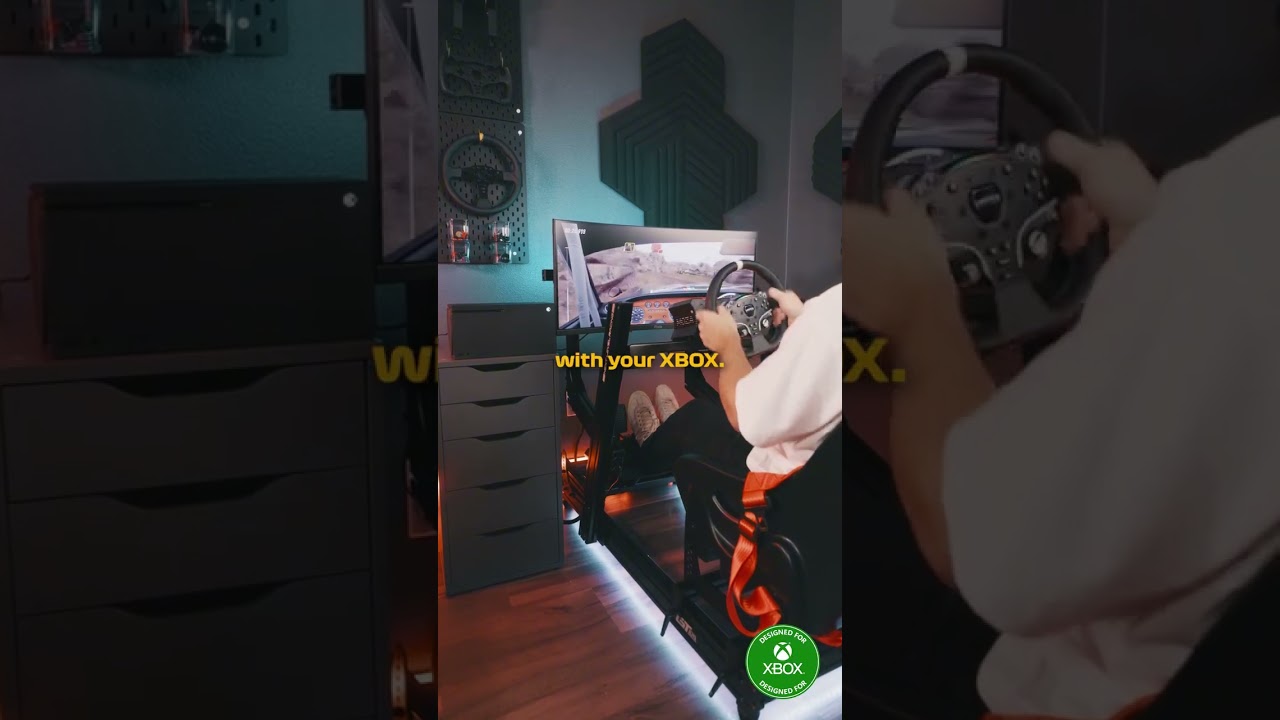
Deeper Immersion with ESX Wheel for Xbox
Reviews
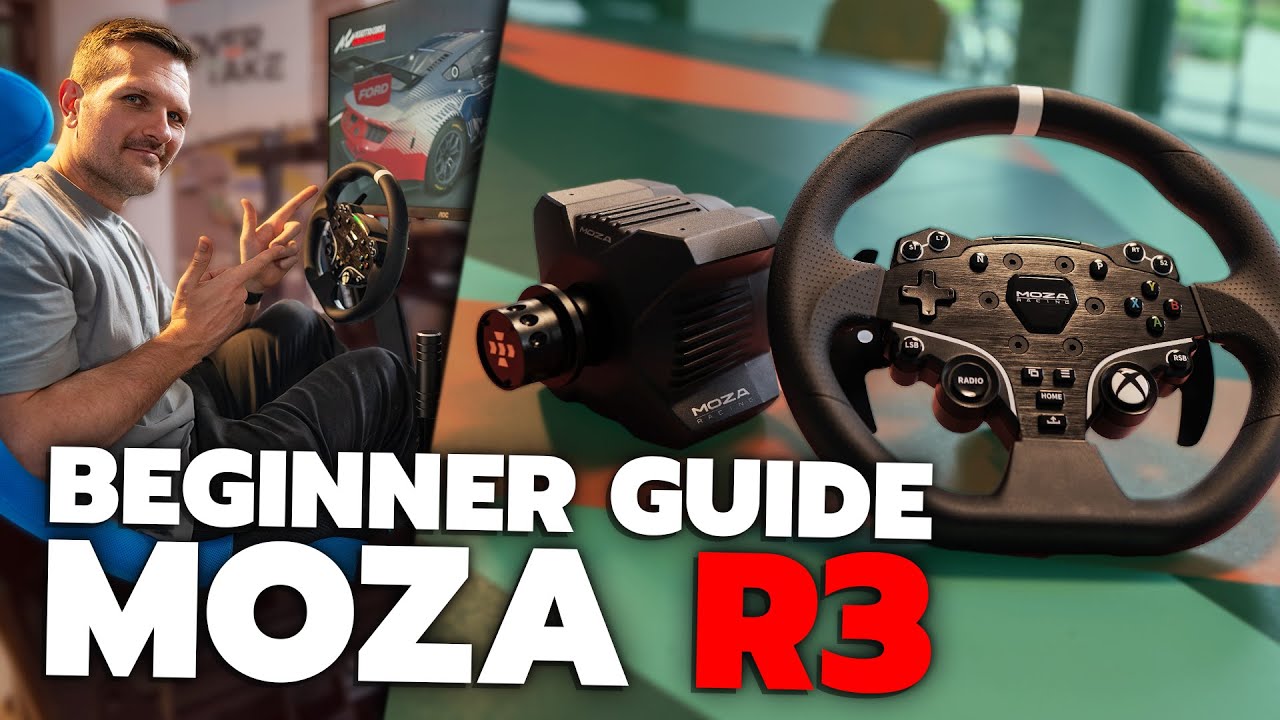
by Overtake_gg
FAQs
The force feedback weakens or disappears suddenly.
Restart wheel base , MOZA Pit House and the game.
The shift indicator doesn't match the engine speed.
Follow these steps:
1. Click "Configurate: in the game on the right side on the main page in MOZA Pit House.
2. Turn on the rev speed matching button on the steering wheel setting page.
Insensitive shift paddle / responsive latency / irresponsive / stuck.
Click "Calibrate Paddles" on the Recovery and Reset page in Pit House and calibrate as instructed.
The steering wheel is not successfully paired with the wheel base for a long time.
You can try the following methods:
1. Upgrade the base and steering wheel firmware to the latest version
2. The steering wheel access detection of MOZA Pit House is adjusted to continuous detection
3. Or the steering wheel access detection of MOZA Pit House remains as automatic detection, but a steering wheel automatic detection calibration is performed
How to ensure that the steering wheel can be used normally / the meaning of the change of the steering wheel shift indicator.
1. When the game is not in progress and the MOZA Pit House indicator switch mode has been set to follow the speed, the shift indicator of the steering wheel will continue to breathe purple light under normal circumstances, which means that the steering wheel can be used normally.
2. When the game is not in progress and the MOZA Pit House indicator switch mode has been set to follow the speed, if the steering wheel shift indicator continues to breathe, and the light is blue, it means that the steering wheel is in the upgrade mode at this time, and it needs to be in MOZA Pit House re-upgrades firmware
3. MOZA Pit House cannot check that the steering wheel is connected, and the shift indicator of the steering wheel is periodically moving left and right, which means that the steering wheel is trying to pair with the base. If the steering wheel is unsuccessfully paired with the base for a long time, see "Unsuccessful pairing of the steering wheel with the base for a long time"
The steering wheel centers, but doesn't display as centered in MOZA Pit House.
See Wheel Base FAQs.
The shifter paddle is insensitive.
See "The steering wheel is not successfully paired with the wheel base for a long time", if the problem still cannot be solved, please contact the customer service.
Was this article helpful?
That’s Great!
Thank you for your feedback
Sorry! We couldn't be helpful
Thank you for your feedback
Feedback sent
We appreciate your effort and will try to fix the article